Managed WordPress hosts meter your plan in one of three ways: monthly visits, monthly bandwidth, or server resources such as CPU and RAM. Some plans mix two.
The meter decides what a traffic spike costs you. Over the allowance, most hosts bill a fee per 1,000 visits or per GB rather than taking the site offline.
If you’re still deciding whether managed hosting fits you at all, start with what managed WordPress hosting is. More plan guides sit under managed WordPress plans and limits.
The three metering models at a glance
A metering model is the unit a host uses to decide whether you’ve outgrown your plan: visits, gigabytes transferred, or the size of the server you rent.
| Model | What the host counts | Typical overage | Example hosts |
|---|---|---|---|
| Visit-based | Unique visitors per day, summed over the month | Fee per 1,000 extra visits | WP Engine, Pressable, Flywheel, Kinsta visit plans |
| Bandwidth-based | Gigabytes sent from the server (and sometimes the CDN) | Fee per extra GB | Kinsta bandwidth plans, Rocket.net |
| Resource-based | CPU, RAM, and PHP workers you rent | Usually none; you upgrade | WPMU DEV, WPX (with a bandwidth cap) |
“Unmetered visits” usually means the host doesn’t count visits. It doesn’t mean unlimited use. Another meter, often bandwidth, still applies.
For your site, this means: read which meter your plan uses before comparing prices. Two plans at the same price can bill very different sites very differently.
How visit-based plans count a “visit”
On visit-based plans, a visit is usually one unique IP address seen in a 24-hour period, counted from server logs rather than from Google Analytics.
An IP address is the network address a request comes from. A home, office or phone network usually shows up as one IP.
The details that change your count are bots, cached pages and static files. Here is what each host’s own documentation says.
Kinsta
Kinsta’s visit counting documentation defines monthly visits as “the sum of the unique IP addresses seen each 24-hour period as recorded in the logs.”
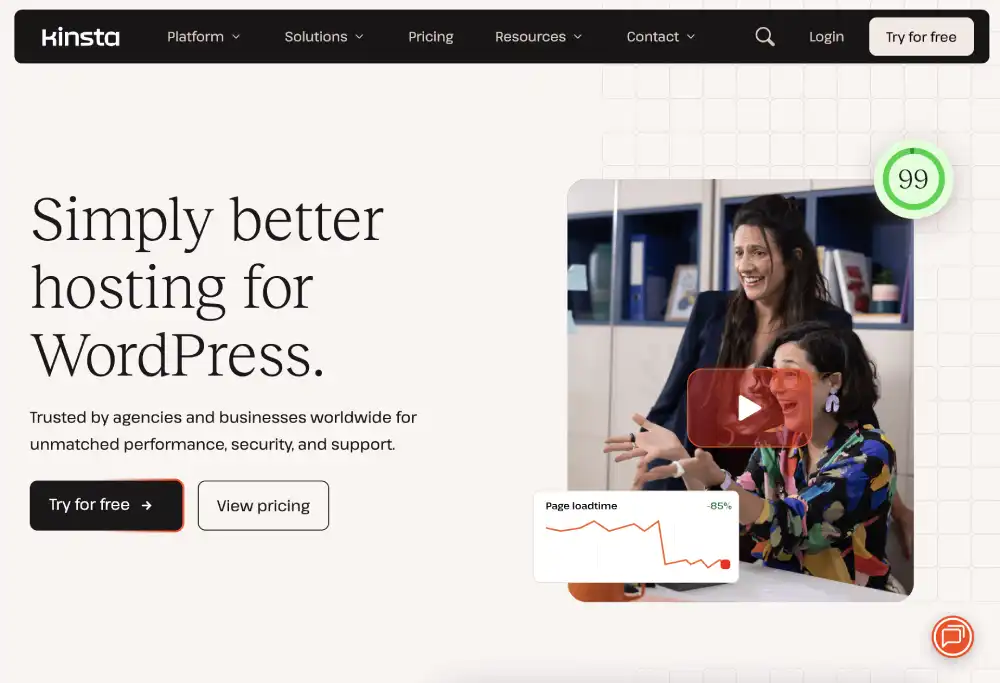
It says it doesn’t count “most well-known ‘bot’ user agents.” Bots that fake a browser user agent can still be counted.
It also says visits “served from the edge cache, or CDN cache, are still counted as visits.” So a fast cache doesn’t lower your visit count.
WP Engine
WP Engine’s billable visits guide says “a single visit is one unique IP address logged per day (UTC).”
How those limits fit its plans is covered in the WP Engine review and plan limits.

Known bot user agents don’t count. From September 2025, suspected bots are also excluded. Images, CSS, JavaScript and requests that return 403 Forbidden don’t count either.
Pressable
Pressable’s visit calculation article says a visit is “tabulated once per visitor per day (the current UTC day).”
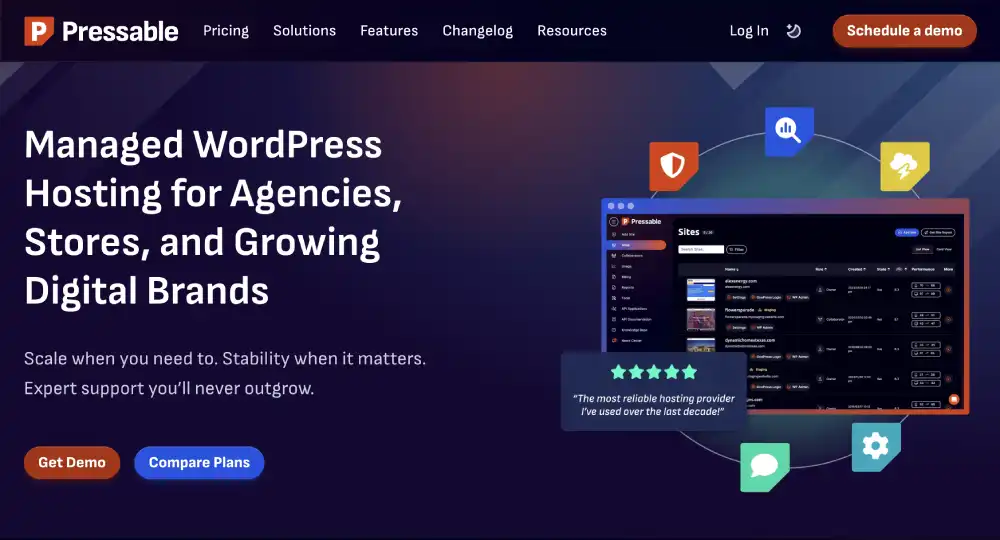
By default, it combines each visitor’s IP address and browser user agent into an anonymous hash. Its alternative server-side system, Pressable Insights, keeps a list of known bots it excludes.
The article notes that the server-side method typically records higher numbers than the default one. The Pressable review with plan allowances lists each tier’s visit cap.
Flywheel
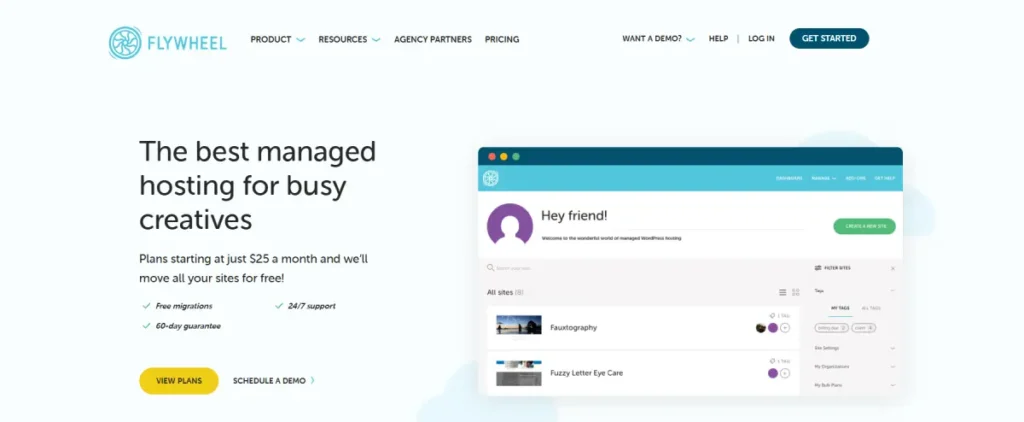
Flywheel’s pricing page defines a visit as “a unique IP address in 24-hour period.” It says it removes “IP addresses from known bots, spammers, and attackers” first.
For your site, this means: your visit count follows distinct IP addresses, not page views. A bot that hides its identity can count like a person anywhere.
How bandwidth-based plans meter usage
Bandwidth is the amount of data your site sends to visitors, measured in gigabytes per month. Bandwidth plans bill by data, not by people.
Kinsta bandwidth plans
Since October 2025, Kinsta offers a visits plan or a bandwidth plan at each tier, per its visits or bandwidth announcement.
Its plan billing documentation says bandwidth plans have “no monthly visitor allowance.”
Kinsta tracks two meters on these plans:
- Server bandwidth: data your origin server sends. The origin is the main server that runs WordPress.
- CDN bandwidth: data delivered from Kinsta’s content delivery network, which serves cached files from locations near the visitor.
Kinsta’s server bandwidth guide excludes requests served from the CDN or edge cache, wp-login.php requests, and traffic from common bots.
We bought the WP 2 bandwidth plan for $70 a month. It includes 2 installs, 40 GB of server bandwidth and 250 GB of CDN bandwidth.
Kinsta’s billing docs list the WP 2 visits version at 70,000 monthly visits, and its pricing page pairs it with 250 GB of CDN bandwidth.
The hands-on Kinsta WP 2 review covers the plan in use.
Rocket.net
Rocket.net’s pricing page, checked October 4, 2026, lists visitors as “Unmetered” on every plan and gives each plan a bandwidth allowance. Starter includes 50 GB, and bandwidth overages cost “$0.08/GB.”
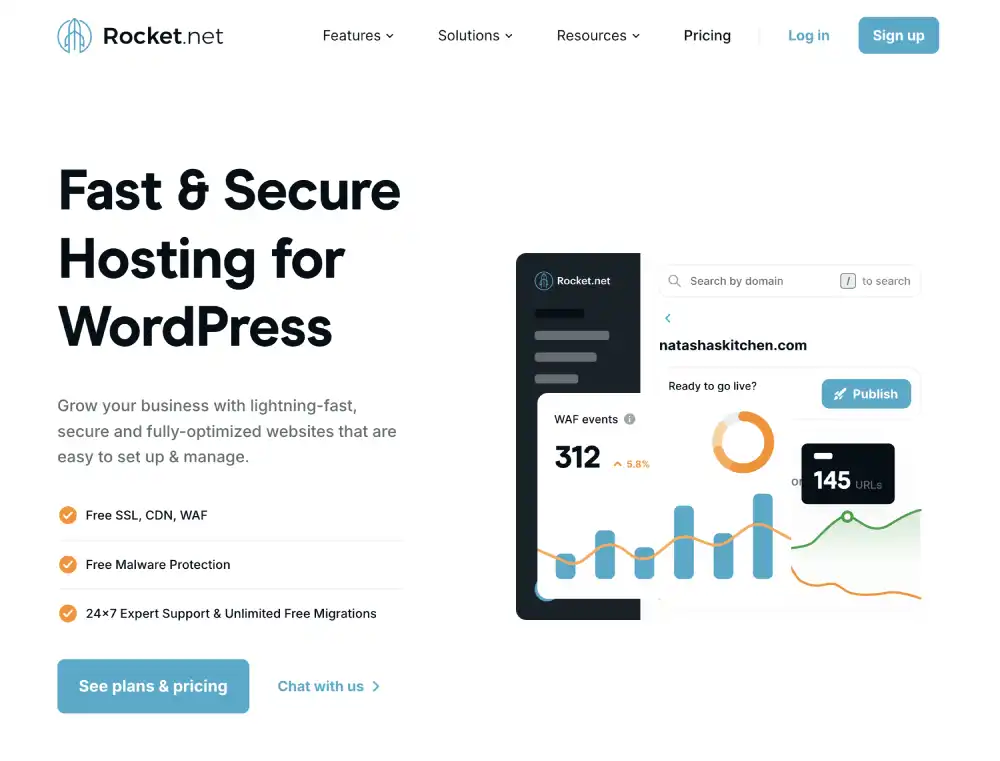
Its terms of service, last updated August 7, 2025, say bandwidth allowances “represent the sum of the incoming and outgoing” traffic.
The same terms also say unique visitors over “advertised unique visitor allowances” are “billed at $1.00 per 1,000 visitors.”
The pricing page advertises no visitor number. Separately, Rocket.net’s dashboard visitor article says “Any HTTP GET request made to your site gets tracked,” bots included.
For your site, this means: a bandwidth plan rewards small pages and good caching. Heavy images, video and downloads use it up faster than visitors do.
How resource-based plans meter usage
On resource-based plans, you rent a fixed slice of server capacity, and you run out only when your site needs more CPU, RAM or PHP workers.
Each PHP worker handles one uncached page request at a time, so a plan with few workers queues the rest.
The guide to how PHP workers limit uncached pages explains why the count matters.
WPMU DEV sells hosting by server size. Its hosting plans page lists Quantum at 512 MB RAM, 1 vCPU and 5 TB of bandwidth, with unlimited visitors.
WPX mixes models. Its Starter plan lists 100 GB of bandwidth, 0.5 CPU cores, 3 GB RAM and 9 PHP workers, per the WPX pricing page checked October 4, 2026.
WPX’s bandwidth limit article says there is no automatic site shutoff. WPX says it will contact you to learn whether a spike is a one-time event.
For your site, this means: there is no published per-unit fee, but a busy or slow site hits a speed ceiling instead. Your fix is an upgrade, not a bill.
How each host counts and charges
This table summarizes each host’s own documentation and pricing pages. Rates can change, so check the date column against the live page.
| Host | Metric | Plan example | Overage rate | Bots counted? | Source | Checked |
|---|---|---|---|---|---|---|
| Kinsta (visits plans) | Unique IPs per 24 hours | WP 2: 70,000 visits, 250 GB CDN | $0.50 per 1,000 visits | Most well-known bots excluded; CDN-cached visits counted | Kinsta docs | Oct 4, 2026 |
| Kinsta (bandwidth plans) | Server GB + CDN GB | WP 2: 40 GB server, 250 GB CDN, $70/mo | $0.50/GB server, $0.05/GB CDN | Common bots excluded from server bandwidth | Kinsta docs, our account | Oct 4, 2026 |
| WP Engine | Unique IP per UTC day | Essential: 25,000 to 400,000 visits | $2 per 1,000 on plans its overage page names (Essential not named) | Known and suspected bots excluded | WP Engine plans and support | Oct 4, 2026 |
| Pressable | One visit per visitor per UTC day | Signature 1: 30,000 visits | $1.20 per 1,000 visits | Known bots excluded | Pressable pricing and KB | Oct 4, 2026 |
| Flywheel | Unique IP per 24 hours | Starter: 25,000 visits, 50 GB | $1 per 1,000 visits | Known bots, spammers, attackers removed | Flywheel pricing | Oct 4, 2026 |
| Rocket.net | Bandwidth (in + out) | Starter: 50 GB, visitors “Unmetered” | $0.08/GB (terms also list $1.00 per 1,000 visitors over an advertised allowance) | Dashboard tracks all GET requests, bots included | Rocket.net pricing, terms and help center | Oct 4, 2026 |
| WPX | Bandwidth + CPU, RAM, PHP workers | Starter: 100 GB, 9 PHP workers | No published rate; WPX contacts you | Not stated | WPX pricing and KB | Oct 4, 2026 |
| WPMU DEV | Server size (RAM, vCPU) | Quantum: 512 MB, 1 vCPU, 5 TB | None published; upgrade the plan | Not applicable to billing | WPMU DEV hosting page | Oct 4, 2026 |
WP Engine’s plans page sells Essential with 25,000 to 400,000 monthly visits.
Its overage pricing page lists the $2 rate for Startup, Professional, Growth, Scale and three Agency plans, not Essential.
Ask WP Engine which rate applies before buying Essential.
Kinsta’s $0.50 rate is a quarter of WP Engine’s $2, which is one reason the Kinsta vs WP Engine comparison weighs plan sizes against overage risk.
Worked overage examples
The math is simple: units over the allowance, divided by the host’s billing unit, times the rate. Every example below uses an invented traffic figure and a published rate.
Visit-based: 85,000 visits on a 70,000-visit plan
You’re 15,000 visits over, which is 15 blocks of 1,000.
- Kinsta: 15 × $0.50 = $7.50
- Pressable: 15 × $1.20 = $18.00
- Flywheel: 15 × $1.00 = $15.00
- WP Engine, on a plan its overage page names: 15 × $2.00 = $30.00
Kinsta’s overage documentation also lists $2 per GB per month for extra disk space.
Bandwidth-based: 55 GB on a 40 GB server allowance
You’re 15 GB over on Kinsta’s WP 2 bandwidth plan.
- Server bandwidth: 15 × $0.50 = $7.50
- If CDN use also reached 300 GB against 250 GB: 50 × $0.05 = $2.50
On Rocket.net Starter, 70 GB against 50 GB is 20 GB over: 20 × $0.08 = $1.60.
Resource-based: outgrowing the server
There is no per-unit fee. On WPMU DEV, moving from Quantum ($8 a month) to Bronze ($24 a month) adds $16 a month, per its hosting page.
Kinsta says it will “keep your sites running” when you go over.
If overages equal or exceed your plan cost or $500, whichever is less, it reserves “the right to temporarily limit access to the site or a resource” until resolved.
For your site, this means: small overages cost a few dollars. A bot surge or viral month on a visit plan at a high rate is where bills grow.
Why bot traffic matters: our Kinsta log
Bots matter because they can make up most requests to a site, and whether they count depends on the host’s visit definition.
In the first three days of our Kinsta WP 2 account, starting August 27, 2026, the site logged 59,234 requests. Only 1,093 (1.8%) came from humans.
Verified bots, such as search engine crawlers that identify themselves, made 53,394 requests. Kinsta blocked 114 malicious requests.
This is a 3-day window on a brand-new site with almost no real audience. We expect an established site to show a lower bot share.
Requests aren’t visits. A visit groups all requests from one IP in a day.
Our extract doesn’t show unique IP counts, so we can’t say how many billable visits these were.
Three practical points follow:
- Verified bots identify themselves, so hosts that exclude known bots should skip them.
- Disguised bots look like browsers. Kinsta says these can still be counted.
- Our plan is bandwidth-billed, so visits didn’t affect our bill. Bot requests that reach the origin can still add bandwidth.
For your site, this means: on a visit plan, a host that excludes suspected bots, not only known ones, protects you more. Ask how each host handles disguised bots.
How to estimate your own usage
Start from server-side numbers, because hosts bill from server logs, and use analytics only as a lower bound for human traffic.
- Google Analytics: counts people whose browsers run its JavaScript. Ad blockers and declined consent hide some visitors, so it usually shows fewer visits than a host.
- Server logs: record every request, bots included. Your current host’s dashboard or raw access logs give the closest match to a visit meter.
- Bandwidth: your current host’s panel shows monthly data transfer. Note whether it includes CDN traffic.
Two CDN caveats apply. If Cloudflare or another proxy sits in front of your site, your old host’s logs may show the proxy’s IPs, not your visitors’.
Also, cached pages served by a CDN may never reach your old server’s logs. A new host that counts CDN-cached visits, as Kinsta says it does, may report more.
Sizing data transfer for a shared plan is a separate question, answered in the guide to sizing monthly data transfer.
For your site, this means: take a few months of server-side visits, add a margin for bots and growth, then compare that with each plan’s allowance.
How to avoid overages
Most overages come from traffic you didn’t want, so filter it out first, then pick the model that matches how your site uses resources.
- Block bad bots at the host or CDN. Kinsta suggests a web application firewall such as Cloudflare or Sucuri, or asking support to ban IPs or user agents at the server.
- Cache aggressively. On bandwidth plans, Kinsta excludes CDN and edge-cached requests from server bandwidth, so caching lowers that meter directly.
- Shrink your pages. Compressed images, WebP or AVIF files and lazy loading cut bandwidth on any plan.
- Use your host’s alerts. Kinsta notifies at 80% and 100% of usage, and again at 10% over for visits.
- Pick the right model. Many small pages and lots of bots suit bandwidth or resource plans. A media-heavy site with modest traffic may suit a visit plan.
Kinsta and Rocket.net take different approaches to bandwidth, as the Rocket.net and Kinsta bandwidth plan comparison shows.
WP Engine and Pressable both bill visits; the WP Engine vs Pressable breakdown compares them.
Price tiers are a separate question, covered in managed WordPress price ranges. Warning signs such as hidden throttling sit with managed hosting red flags before you buy.
When you know your meter, the managed WordPress hosts we recommend list each pick’s allowances side by side.
If no managed meter fits your budget, the WordPress picks from shared to managed include plans that cost far less per month.
Cite this table
You can quote the metering table and worked examples with credit and a link.
Source: HostingGuider, Visits, Bandwidth or Resources: How Managed WordPress Plans Meter Usage, October 2026.
Update cadence and change log
We recheck every rate and visit definition quarterly, and sooner when a host changes its billing page.
- October 4, 2026: First version. Eight hosts compared; Kinsta, WP Engine, Pressable, Flywheel, Rocket.net and WPX rates read live that day.
- Next scheduled check: January 2027.
Frequently asked questions
If one person opens ten pages, is that ten visits?
No, it’s one visit on every host we checked. Each counts a visitor once per day, however many pages they open.
A household or office sharing one connection can count once. Kinsta, WP Engine and Flywheel count unique IP addresses; Pressable counts each visitor once per UTC day.
Do bots count toward my visit limit?
Usually not, if they identify themselves. WP Engine also excludes suspected bots since September 2025. Bots posing as browsers can still be counted, Kinsta’s documentation notes.
Why does my host show more visits than Google Analytics?
Hosts count from server logs, while Google Analytics needs JavaScript to run in the browser. Ad blockers, declined consent and some bots never reach Analytics but do reach the server.
Can a host suspend my site for going over?
Some can, but usually only after large overages.
Kinsta keeps sites online but may limit access once overages reach your plan cost or $500, whichever is less. WPX says it doesn’t shut sites off automatically.
Is a visits plan or a bandwidth plan better?
It depends on your site. Bandwidth plans suit lightweight pages with many visitors or bots. Visit plans suit heavier pages with fewer visitors. Compare a few months of both numbers.
Does “unmetered visits” mean unlimited traffic?
No. Another meter still applies. Rocket.net’s pricing page lists visitors as unmetered but bills bandwidth over the allowance at $0.08 per GB.
How we researched this
Visit definitions, bot rules, and overage rates come from each host’s own documentation.
Kinsta, WP Engine, Pressable, Flywheel, WPX, and Rocket.net pages, including their pricing and plan pages, were read October 4, 2026.
WPMU DEV plan allowances come from its hosting page, checked October 4, 2026. The worked examples use invented traffic figures with published rates.
The bot figures cover the first three days of our Kinsta WP 2 bandwidth account, bought August 27, 2026. Accounts follow HostingGuider’s first-party testing rules.