Best WordPress Hosting

Written by:

·

Last Updated on:

·

HostingGuider uses affiliate links. We may earn a commission if you purchase through them, at no extra cost to you.

Choosing WordPress hosting should take twenty minutes. Instead, most people spend two weeks reading conflicting reviews, opening seventeen tabs, and still ending up with the cheapest option on sale that week.

The reason it takes so long is that most hosting comparison articles are written to promote whoever pays the highest commission. They put the same three hosts at the top of every list regardless of what type of site you are building.

This guide works differently. Every host listed here is matched to a specific type of WordPress user. Our ranking methodology is published openly — no provider pays for position. A blogger starting out has completely different needs from an agency managing forty client sites. A WooCommerce store owner cares about different things than someone publishing a personal portfolio.

Read the section that matches your situation. You will know exactly which host to pick before you finish.

Key Takeaways

  • There is no single best WordPress host because the right choice depends on your site size, budget, and technical comfort
  • Managed WordPress hosting handles updates, security, and backups for you but costs more than shared hosting
  • Shared WordPress hosting is the right starting point for most new sites and small budgets
  • Performance, uptime, support quality, and automatic updates are the four factors that matter most
  • The hosts on this list have been evaluated against real WordPress workloads, not just marketing claims
  • Every provider links to a full, detailed review if you want to dig deeper before deciding

Quick Answer

For most people building a WordPress site in 2026, SiteGround and Hostinger cover the majority of use cases at the shared hosting level. For managed WordPress hosting where the provider handles all technical maintenance, Kinsta and WP Engine are the strongest options. For budget-conscious users who still want cloud performance, Cloudways offers the most flexibility at a reasonable price.

best wordpress hosting providers tier comparison infographic
Tier-based comparison of popular WordPress hosting providers

How We Evaluated These WordPress Hosts

Every hosting provider in this guide was evaluated using the same criteria to ensure a fair comparison. We did not rank providers based on affiliate commissions or promotional offers.

Our evaluation focused on the factors that matter most for WordPress websites, including performance, uptime, WordPress-specific features, security, support quality, pricing, and overall value.

We also reviewed each provider’s official documentation, feature set, user feedback, and independent performance benchmarks to verify specifications and identify meaningful differences.

Because every website has different needs, there is no single best WordPress host. Instead, we recommend providers based on specific use cases, including beginners, bloggers, WooCommerce stores, agencies, and growing businesses.

What Makes WordPress Hosting Good

Not all hosting is equal for WordPress. A generic web host and a WordPress-optimized host can cost the same and deliver very different results. Here is what to look for before choosing any provider.

WordPress-specific performance optimization means the server is configured specifically for how WordPress works. PHP workers, object caching, and database query handling all need tuning for WordPress workloads. Generic hosting that has not been optimized for WordPress runs the same hardware less efficiently.

WordPress remains the world’s most widely used CMS, powering 41.9% of all websites and 59.4% of websites using a known CMS, according to W3Techs. At the same time, the platform offers 64,000+ free plugins, giving site owners unmatched flexibility but also increasing the importance of choosing hosting optimized for WordPress performance and security. For more industry data, see our WordPress Statistics guide.

Automatic WordPress updates are the difference between a site that stays patched and one that falls behind on security fixes. The best hosts apply core WordPress updates automatically. The best managed hosts handle plugin updates too.

On regular hosting, you handle every update yourself; miss one security patch and your site becomes a target within hours, which is why many opt for managed vs regular WordPress hosting.

Staging environments let you test changes on a private copy of your site before pushing them to visitors. This is essential for any site that gets regular updates, new plugins, or design changes. Read more about why this matters in our top 5 features to look for in managed WordPress hosting.

One-click WordPress installation matters for beginners. Every host on this list makes installing WordPress simple. Some do it automatically during signup.

Support quality for WordPress-specific problems is where hosts diverge most. General hosting support handles server problems. WordPress-specialist support understands plugin conflicts, theme errors, and WooCommerce configuration.

Page speed and uptime directly affect your Google rankings and your visitors’ experience. We have linked to full reviews for every host where you can find detailed speed test data.

Moving from Wix or Squarespace to WordPress is simpler than most people expect when you know which content transfers cleanly and which needs rebuilding

Security features including a web application firewall, malware scanning, and SSL certificates should be included, not sold as add-ons. Our guide on security benefits of managed WordPress hosting explains what each security layer actually does.

FeatureWhy It MattersWho Needs It Most
Automatic WordPress updatesCloses security vulnerabilities before bots find themEveryone
Staging environmentSafe testing before changes go liveAnyone updating their site regularly
WordPress-optimized serverFaster page loads for WordPress workloadsEveryone
One-click installGets WordPress live in minutesBeginners
Specialist WordPress supportSolves WordPress problems, not just server problemsEveryone
Free SSL certificateEncrypts visitor connections, required by GoogleEveryone
Daily backupsRecovery point if anything goes wrongEveryone
Managed updatesProvider handles core and plugin updatesBusinesses and professionals

Best WordPress Hosting Providers at a Glance

ProviderBest ForStarting PriceTypeFull Review
KinstaBest overall managed WordPressFrom $35/monthManaged WordPressReview
WP EngineBest for agencies and growing sitesFrom $23/monthManaged WordPressReview
SiteGroundBest beginner shared hostingFrom $5/monthShared and CloudReview
CloudwaysBest flexible managed cloudFrom $14/monthManaged CloudReview
HostingerBest budget WordPress hostingFrom $2.69/monthSharedReview
Rocket.netBest Cloudflare-based managedFrom $30/monthManaged WordPressReview
PressableBest managed for content creatorsFrom $25/monthManaged WordPressReview
WPMU DEVBest for WordPress professionalsFrom $3/monthManaged WordPressReview
GreenGeeksBest eco-friendly WordPressFrom $3.95/monthSharedReview
DreamHostBest for bloggersFrom $2.59/monthSharedReview
BluehostBest officially recommended hostFrom $2.95/monthSharedReview
Liquid WebBest for enterprise WordPressFrom $25/monthManaged VPSReview
InMotionBest for business websitesFrom $3.99/monthShared and VPSReview
HostGatorBest budget beginner optionFrom $2.75/monthSharedReview
ScalaHostingBest for managed VPS WordPressFrom $3.95/monthManaged VPSReview
FastCometBest for global audienceFrom $3.95/monthShared and CloudReview
HostArmadaBest value cloud sharedFrom $2.49/monthCloud SharedReview
NamecheapBest for domains plus hostingFrom $1.98/monthSharedReview
InterServerBest price-lock guaranteeFrom $2.50/monthSharedReview
GoDaddyBest for all-in-one setupFrom $5.99/monthSharedReview
IONOSBest for European sitesFrom $1/monthSharedReview
WPXBest for speed-focused WordPressFrom $24.99/monthManaged WordPressReview
WordPress.comBest hosted WordPress platformFrom $4/monthHosted PlatformReview
HostPapaBest for small Canadian businessesFrom $3.95/monthSharedReview
OVHcloudBest for European privacyFrom $3.50/monthShared and VPSReview

Best Managed WordPress Hosting

On regular hosting you handle every WordPress update yourself. Miss one security patch and your site becomes a target within hours of the vulnerability going public.

Kinsta: Best Overall Managed WordPress Hosting

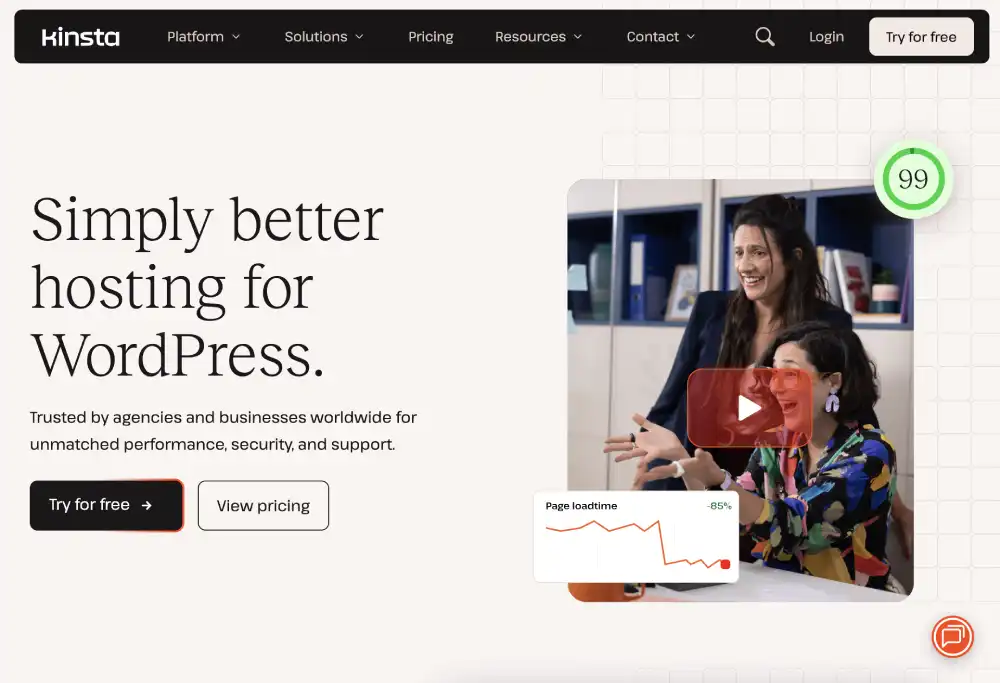
Kinsta runs on Google Cloud infrastructure and consistently performs at the top of independent speed benchmarks for managed WordPress hosting. Every site runs in an isolated container with its own resources, meaning traffic from other sites on the same server never affects your performance.

What sets Kinsta apart is the combination of premium infrastructure, a genuinely excellent dashboard called MyKinsta, and a 24/7 support team that only handles WordPress.

Kinsta
Kinsta: Best Overall Managed WordPress Hosting

Response times on live chat regularly come in under two minutes. When you have a problem, you are talking to someone who knows WordPress inside out, not a generalist reading from a script.

Kinsta includes automatic daily backups with self-serve one-click restore, a free Cloudflare CDN integration covering over 260 data centre locations globally, a full staging environment on every plan, and automatic WordPress updates for core. Premium DNS is included at no extra cost.

The downside is price. Entry plans start at $35 per month, which prices Kinsta out of reach for many new sites. If you are in the early stages with minimal traffic, the cost is difficult to justify.

But for an established business where downtime or a security incident has real financial consequences, Kinsta is one of the most reliable choices available.

Who it is for: established businesses, professional bloggers with above 10,000 monthly visitors, WooCommerce stores, and anyone who wants the best performance without managing servers.

Read the full Kinsta review for detailed speed tests, uptime data, and plan comparisons.

WP Engine: Best for Agencies and Growing Businesses

WP Engine has been in the managed WordPress space longer than almost any other provider, and its experience shows in its developer tooling. The platform includes Git integration, local development support through LocalWP, and a multi-site management dashboard that lets agencies manage all client sites from a single login.

WP Engine
WP Engine: Best for Agencies and Growing Businesses

Every WP Engine plan includes access to the Genesis framework and the entire StudioPress premium theme library at no additional cost. For agencies that build WordPress sites for clients, this alone represents significant value.

Performance is strong across WP Engine’s infrastructure. The EverCache system provides aggressive page caching. Global CDN is included on all plans. The staging environment includes a push-to-live workflow that works cleanly.

The main critique of WP Engine historically has been its plugin restriction list, which is longer than that of some competitors. Certain plugins that replicate hosting-level functions are blocked.

For most WordPress users, this is not a practical problem, but it occasionally frustrates developers with specific plugin dependencies.

Support is available 24/7, and the team handles WordPress questions effectively. Phone support is available on higher plans.

Who it is for: agencies, developers, and growing businesses that need staging environments, developer tools, and professional support.

Read the full WP Engine review for plan details and performance data.

Rocket.net: Best Cloudflare-Based Managed WordPress

Rocket.net takes a different architectural approach to most managed WordPress hosts. Rather than routing traffic through a traditional CDN after serving it from a central server, Rocket.net builds on top of Cloudflare’s enterprise network from the ground up.

Your WordPress site is effectively served from Cloudflare’s edge, which covers over 300 locations worldwide.

Rocket.net
Rocket.net: Best Cloudflare-Based Managed WordPress

The practical result is some of the fastest time-to-first-byte measurements of any managed WordPress host. Pages load from the nearest Cloudflare edge location rather than from a central server, which dramatically reduces geographic latency for visitors anywhere in the world.

Rocket.net includes free unlimited site migrations, daily backups, malware scanning, a staging environment, and 24/7 expert support. Plans start from $30 per month for a single site.

Who it is for: speed-focused site owners, international businesses serving a global audience, and anyone who has found traditional CDN integration insufficient.

Read the full Rocket.net review.

Pressable: Best Managed WordPress for Content Creators

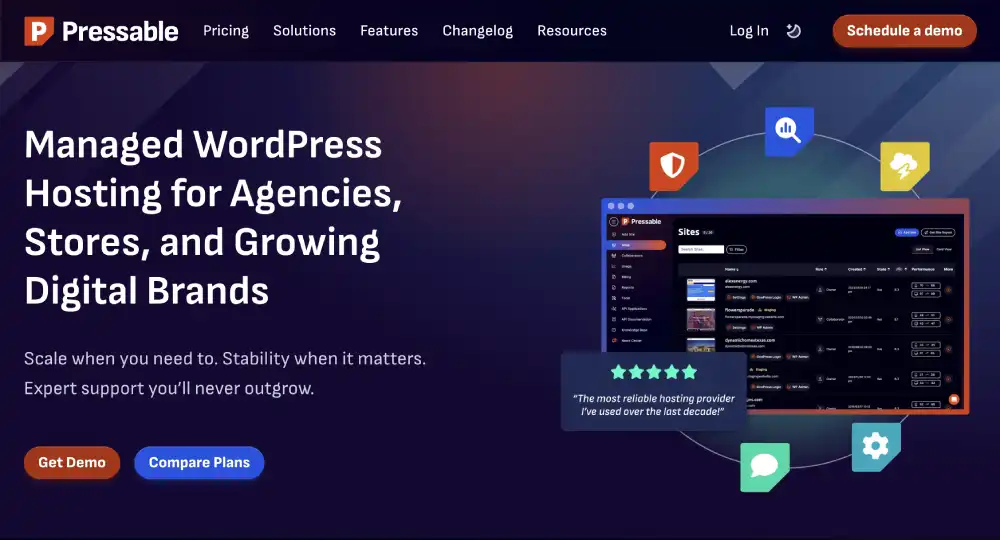
Pressable is owned by Automattic, the same company behind WordPress.com and WooCommerce. This relationship means Pressable has genuinely deep WordPress expertise at every level of the organisation.

Pressable Hosting
Pressable: Best Managed WordPress for Content Creators

Every Pressable plan includes Jetpack Security, which covers backups, malware scanning, brute force protection, and a CDN through a partnership with the Jetpack platform.

The inclusion of Jetpack at a meaningful plan level is a genuine advantage because Jetpack’s standalone cost would otherwise add to your monthly expenses.

Pressable’s infrastructure is solid, and performance is consistent. Support teams are knowledgeable about WordPress specifically. Migration is free and handled by their team.

Plans start from $25 per month for one site with 30,000 monthly visitors. The pricing scales with visitor count, which makes it easy to project costs as your site grows.

Who it is for: content creators, bloggers with growing audiences, and small businesses who want managed WordPress with Jetpack security built in.

Read the full Pressable review.

WPMU DEV: Best for WordPress Professionals

WPMU DEV is unlike any other provider on this list. It is not just a hosting company. It is a complete WordPress platform that includes hosting alongside a suite of premium plugins, a hub for managing multiple sites, and marketing and SEO tools all under one subscription.

The hosting itself uses Google Cloud infrastructure and is genuinely fast. But the real value is the additional tools.

WPMUDEV HERO
WPMU DEV: Best for WordPress Professionals

The WPMU DEV suite includes a form builder, an SEO plugin, a security scanner, a performance optimizer, a backup system, and several other premium plugins that would collectively cost hundreds of dollars per year if purchased separately.

For freelancers and agencies managing multiple WordPress sites and needing quality plugins, the all-in-one value proposition is compelling. The $3 per month entry price is for a basic plan, but the full platform with hosting typically comes in at a higher tier.

Who it is for: freelancers, agencies, and WordPress professionals who want hosting combined with a complete set of professional WordPress tools.

Read the full WPMU DEV review.

Cloudways: Best Flexible Managed Cloud WordPress

Cloudways occupies a unique position in the WordPress hosting market. It is a managed cloud platform that lets you choose which underlying infrastructure provider you want: AWS, Google Cloud, DigitalOcean, Linode, or Vultr.

Cloudways
Cloudways: Best Flexible Managed Cloud WordPress

You get the management layer from Cloudways and the infrastructure of your chosen cloud provider.

This flexibility means you can start on affordable DigitalOcean infrastructure at around $14 per month and scale to Google Cloud or AWS as your needs grow, without changing your hosting management interface or migrating your site.

Cloudways has no visitor limits, which distinguishes it from many managed WordPress hosts that trigger automatic plan upgrades when you exceed a monthly visit threshold. You pay for server resources rather than visitor counts.

The platform includes automated daily backups, a Breeze caching plugin optimized for Cloudways servers, free CDN through Cloudflare integration, a staging environment, and team collaboration tools.

The downside is that Cloudways requires slightly more technical familiarity than fully managed hosts like Kinsta or WP Engine.

You interact with more infrastructure-level concepts. For most technically capable WordPress users this is not a barrier, but genuine beginners may find it less approachable initially.

Who it is for: technically comfortable users, developers, and growing sites that want cloud infrastructure performance with management assistance at a flexible price point.

Read the full Cloudways review.

WPX Hosting: Best Speed-Focused Managed WordPress

WPX has built its reputation almost entirely around speed. The company operates its own CDN rather than using a third-party provider, and the results in speed tests are consistently impressive. Time-to-first-byte measurements on WPX sites regularly come in under 200ms.

WPX
WPX Hosting: Best Speed-Focused Managed WordPress

WPX includes free site migrations handled by their team, daily backups with 28-day retention, free malware removal, a staging environment, and 24/7 support with extremely fast live chat response times. The support quality and speed is something WPX users consistently highlight as a differentiator.

Plans start from $24.99 per month for five sites with 100,000 monthly visits, which makes it an excellent value if you run multiple WordPress sites and want consistent premium performance across all of them.

Who it is for: speed-focused site owners and those managing multiple WordPress sites who want fast response times from both their hosting and support team.

Read the full WPX review.

Best Shared WordPress Hosting

SiteGround: Best Shared Hosting for WordPress Beginners

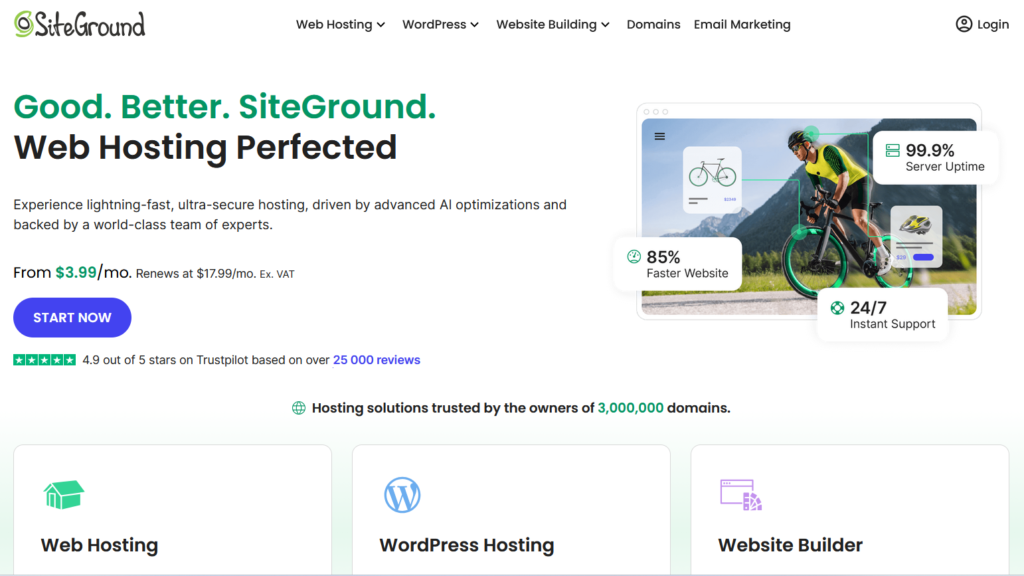
SiteGround is one of the few shared hosting providers that has consistently been recommended by WordPress.org itself, and for good reason. The platform takes shared hosting more seriously than most competitors by applying meaningful WordPress-specific optimizations at the server level.

siteground
SiteGround: Best Shared Hosting for WordPress Beginners

SiteGround’s SuperCacher provides server-level caching for WordPress without requiring you to install a caching plugin. The SiteGround Optimizer plugin works in combination with this server-level caching to deliver pages faster than standard shared hosting configurations.

The control panel is custom-built and cleaner than standard cPanel interfaces. Setting up WordPress is a one-click process during onboarding. Daily backups are included on all plans. A staging environment is available from the GrowBig plan upward.

Security is taken seriously. SiteGround applies custom mod_security rules specifically for WordPress, scans for WordPress-specific malware patterns, and provides a firewall that blocks known WordPress attack patterns.

Support quality is where SiteGround genuinely stands out in the shared hosting category. Live chat wait times are typically under two minutes and the team handles WordPress questions knowledgeably.

The price point is higher than the cheapest shared hosts on this list, starting from around $5 per month on promotional pricing, but it reflects genuinely better infrastructure and support than budget alternatives.

Who it is for: beginners building their first serious WordPress site, small businesses, and bloggers who want better-than-average shared hosting performance and support quality.

Read the full SiteGround review.

Hostinger: Best Budget WordPress Hosting

Hostinger offers some of the lowest promotional prices in the WordPress hosting market while delivering performance that genuinely competes with providers charging twice as much. This combination makes it the most recommended starting point for budget-conscious users.

Hostinger
Hostinger: Best Budget WordPress Hosting

The platform uses its own custom hPanel control panel which is cleaner and more intuitive than traditional cPanel for most users. WordPress installs in one click.

The LiteSpeed web server infrastructure that Hostinger uses is faster than Apache-based shared hosting for WordPress workloads.

The WordPress AI assistant on Hostinger helps beginners set up their site and create initial content, which reduces the friction of getting started. Free SSL, free domain on annual plans, and automated daily backups are included.

The main limitation is support. Hostinger’s support is available 24/7 but wait times and resolution quality are less consistent than SiteGround. For a beginner who will need occasional help, this is worth knowing upfront.

Who it is for: beginners on a tight budget who want good performance at the lowest available price, and anyone just testing WordPress for the first time.

Read the full Hostinger review.

GreenGeeks: Best Eco-Friendly WordPress Hosting

GreenGeeks is the only hosting provider on this list with a credible environmental commitment. For every unit of energy their infrastructure consumes, GreenGeeks puts three times that amount back into the grid through renewable energy credits.

This makes them a carbon-reducing choice rather than simply carbon-neutral.

GreenGeeks
GreenGeeks: Best Eco-Friendly WordPress Hosting

Beyond the environmental angle, GreenGeeks is a genuinely capable WordPress host. The platform uses LiteSpeed web servers with LSCache for WordPress, which delivers strong performance for a shared hosting environment.

Free CDN is included through a Cloudflare integration. Nightly backups are included at no extra cost.

WordPress installs in one click. Automatic WordPress updates can be enabled. Free SSL is included. The interface is clean and accessible for beginners.

Performance in independent tests consistently shows GreenGeeks outperforming budget shared hosts and holding its own against mid-range providers.

Who it is for: environmentally conscious website owners, small businesses with sustainability commitments, and anyone who wants solid shared WordPress hosting with a green credential.

Read the full GreenGeeks review.

DreamHost: Best for WordPress Bloggers

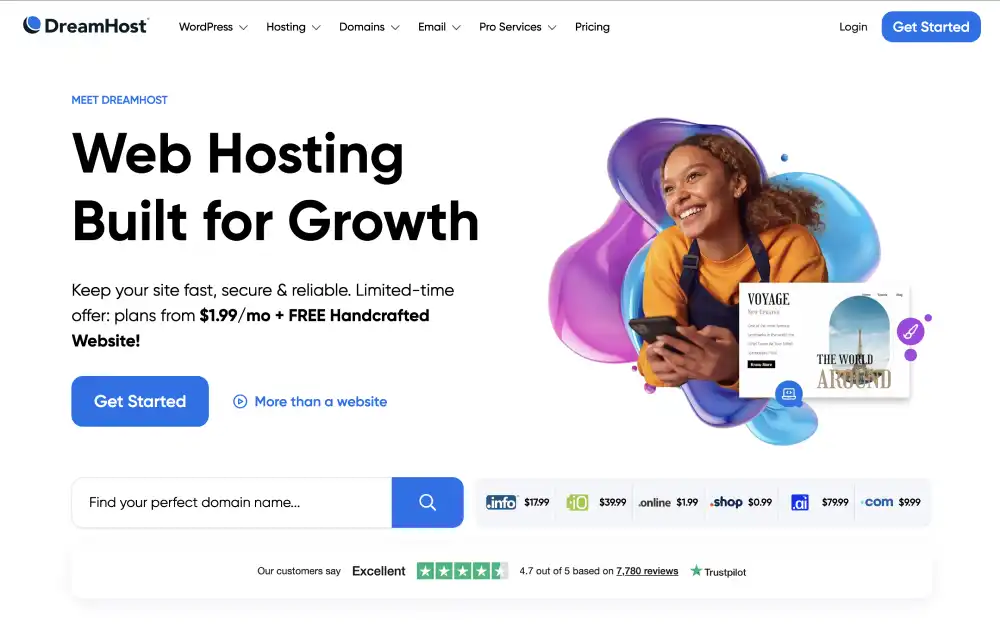
DreamHost is one of only three hosting companies officially recommended by WordPress.org and has been in the hosting business since 1997. The platform has a strong reputation, particularly among bloggers and content-focused WordPress sites.

DreamHost’s shared starter plan begins from around $2.59 per month and includes a free domain, free SSL, and unlimited bandwidth.

DreamHost
DreamHost: Best for WordPress Bloggers

The WordPress-specific plan adds automatic WordPress updates, pre-installed WordPress, and staging functionality.

The 97-day money-back guarantee is the longest in the industry and reflects a genuine confidence in the service.

DreamHost also offers a month-to-month billing option with no long-term commitment required, which is rare among shared hosting providers that typically push annual plans heavily.

The custom control panel takes some getting used to for users familiar with cPanel, but it is designed specifically for WordPress-focused users and exposes the settings most relevant to running a WordPress site clearly.

Support is available via live chat and email. Phone support is not included which is a limitation some users find frustrating.

Who it is for: bloggers, content creators, and writers who want straightforward WordPress hosting with good value and no long-term contract pressure.

Read the full DreamHost review.

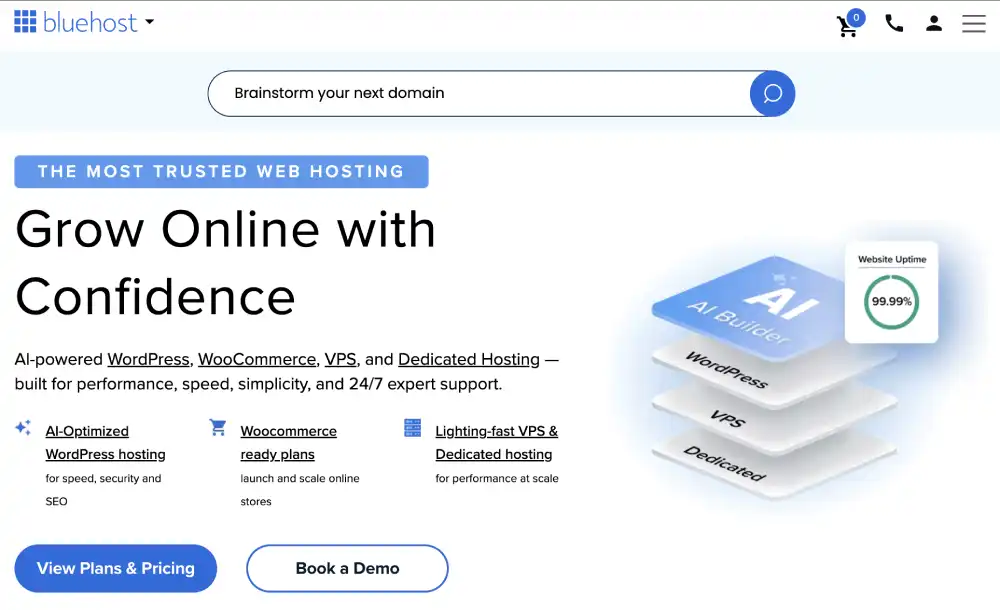
Bluehost is the most widely marketed WordPress host in the world and carries an official recommendation from WordPress.org. For many new WordPress users, Bluehost is the first name they encounter when researching hosting.

The basic plan starts from $2.95 per month on promotional pricing and includes a free domain for the first year, free SSL, and one-click WordPress installation.

Bluehost
Bluehost: Best WordPress.org Officially Recommended Host

The WordPress.org partnership means onboarding is particularly smooth for new WordPress users.

Bluehost’s performance on standard benchmarks is adequate for new sites with moderate traffic. The custom dashboard integrates WordPress management features directly without requiring users to navigate between separate WordPress and hosting interfaces.

The main criticism Bluehost receives is upselling pressure during signup and renewal prices that are significantly higher than the promotional rate. Being aware of the renewal price before committing is important for budgeting accurately.

Who it is for: first-time WordPress users who want a straightforward onboarding experience with brand recognition and an official WordPress recommendation.

Read the full Bluehost review.

Liquid Web: Best for Enterprise WordPress and WooCommerce

Liquid Web occupies the premium end of the enterprise WordPress market. The company focuses on businesses running high-traffic WordPress and WooCommerce sites that need dedicated resources, expert support, and professional-grade infrastructure.

Liquid Web
Liquid Web: Best for Enterprise WordPress and WooCommerce

Liquid Web’s managed WordPress product includes automatic updates, iThemes Security Pro, automatic plugin updates, a staging environment, and a performance-focused CDN.

Their managed WooCommerce plans are specifically optimized for e-commerce workloads, with database caching, PHP workers, and server configuration tuned for WooCommerce performance specifically.

Support is a core differentiator. Liquid Web offers 24/7 phone, chat, and email support with a one-minute phone response guarantee. Their support team works exclusively with managed WordPress and WooCommerce environments.

The pricing reflects the premium positioning, starting from $25 per month for entry-level plans and scaling to several hundred dollars per month for high-traffic enterprise configurations.

Who it is for: established WooCommerce stores, enterprise WordPress deployments, and businesses where hosting is a business-critical infrastructure investment.

Read the full Liquid Web review.

InMotion Hosting: Best for Business WordPress Sites

InMotion Hosting has a long-standing reputation for business-focused hosting with strong SSD performance and US-based support. The company’s BoldGrid website builder integrates with WordPress, offering a visual page building option for users who prefer that approach.

Inmotion Hosting
InMotion Hosting: Best for Business WordPress Sites

The shared hosting plans include free SSL, free domain, automatic WordPress updates, and SSD storage across all plans. Performance is consistently strong for shared hosting. The Max Speed Zone feature routes your traffic to the nearest of InMotion’s two US data centres.

Support is available 24/7 via phone, live chat, and email. InMotion’s support team handles WordPress questions with reasonable depth. Phone support being genuinely available and responsive sets InMotion apart from many shared hosting competitors.

Who it is for: US-based small businesses running WordPress who value phone support availability and solid performance at a mid-range price point.

Read the full InMotion Hosting review.

More WordPress Hosting Providers Worth Considering

HostGator

HostGator is one of the longest-running names in shared hosting and offers highly competitive promotional pricing for WordPress hosting starting under $3 per month. The platform includes unlimited storage and bandwidth on most plans, one-click WordPress installation, and free SSL.

Hostgator
Hostgator

It suits budget-conscious beginners who want a familiar and widely documented hosting environment.

Read the full HostGator review.

ScalaHosting

ScalaHosting stands out for its managed VPS hosting with SPanel, a proprietary control panel that provides cPanel-like functionality at a lower cost. The managed VPS plans include automatic WordPress updates, daily backups, and SShield, their real-time security monitoring system.

ScalaHosting
ScalaHosting

For users who need more resources than shared hosting provides but want a managed experience, ScalaHosting offers a competitive option.

Read the full ScalaHosting review.

FastComet

FastComet differentiates through its global data centre network covering eleven locations worldwide. For WordPress sites serving an international audience, the ability to host your site close to your primary visitor base reduces latency meaningfully.

FastComet
FastComet

FastComet includes free daily and weekly backups, a free website migration service, and a free CDN.

Read the full FastComet review.

HostArmada

HostArmada is a newer provider that has quickly built a reputation for strong performance and attentive support. The cloud SSD hosting infrastructure provides better speed consistency than traditional shared hosting.

HostArmada
HostArmada

Free daily backups, free SSL, and free website migrations are included across all plans. Entry pricing is competitive starting under $3 per month.

Read the full HostArmada review.

Namecheap

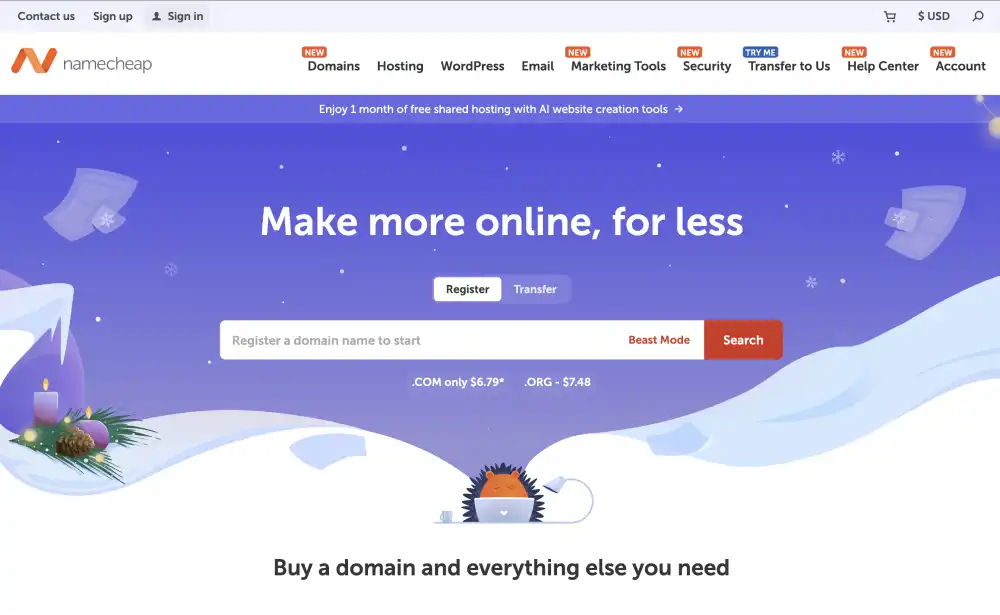
Namecheap is primarily known as a domain registrar but its hosting offering is a reasonable option for WordPress sites, particularly for users who already manage their domains through Namecheap and want to consolidate.

Namecheap
Namecheap

The EasyWP managed WordPress product is notably simple, designed specifically for users who want WordPress with minimal configuration.

Read the full Namecheap review.

InterServer

InterServer offers a price-lock guarantee that sets it apart from every other provider on this list. The price you sign up at is the price you pay at renewal, indefinitely. For a market where promotional pricing that doubles or triples at renewal is the norm, this transparency is genuinely rare.

WordPress hosting is available from $2.50 per month with unlimited storage, SSL, and email.

Read the full InterServer review.

GoDaddy

GoDaddy is the largest domain registrar in the world and offers WordPress hosting as part of a broad product suite. The main advantage of GoDaddy is the convenience of managing your domain and hosting in one place. Managed WordPress plans include automatic updates and daily backups.

For users who bought their domain from GoDaddy and want simplicity above all else, keeping everything under one login has practical appeal.

Read the full GoDaddy review.

IONOS

IONOS offers some of the lowest entry pricing in the market, with promotional rates starting from $1 per month. The company has a strong presence in Europe with data centres in Germany, the UK, and the US. For European businesses, IONOS offers GDPR-compliant hosting with data stored in EU facilities.

WordPress hosting includes one-click installation, SSL, and a free domain.

Read the full IONOS review.

HostPapa

HostPapa is a Canadian hosting provider with a particular focus on small businesses. The platform includes a website builder alongside WordPress hosting, one-on-one onboarding assistance called PapaSquad, and free SSL and domain on annual plans.

For small business owners who want hands-on setup assistance included in their plan, HostPapa offers that personalised onboarding more explicitly than most.

Read the full HostPapa review.

WordPress.com

WordPress.com is worth mentioning separately because it is not the same as self-hosted WordPress, even though the names are similar. WordPress.com is a fully hosted platform where Automattic manages the infrastructure, updates, and security for you. It is genuinely easier to start on than any self-hosted option.

The trade-off is that plugin installation is restricted on lower plans and you have less control over your site’s technical configuration.

Read the full WordPress.com review.

OVHcloud

OVHcloud is a major European cloud and hosting provider with data centres across Europe, North America, and Asia Pacific. For users with specific European data residency requirements or a preference for European providers, OVHcloud offers WordPress hosting with strong infrastructure at competitive pricing.

Read the full OVHcloud review.

Contabo

Contabo is known for offering unusually high specifications at low prices, particularly for VPS hosting. WordPress on Contabo requires more self-management than managed hosts but the resource allocation per dollar spent is exceptional.

For technically capable users who want raw server power at low cost and are comfortable managing their own WordPress environment, Contabo is worth evaluating.

Read the full Contabo review.

Thamara Cloud

Thamara Cloud offers cloud-based hosting with a focus on performance and support. Read the full Thamara Cloud review for detailed specifications and plan information.

AccuWeb Hosting

AccuWeb Hosting provides managed WordPress hosting with a range of server options. Read the full AccuWeb Hosting review for detailed plan comparisons.

UltaHost

UltaHost offers WordPress hosting with SSD storage and NVMe drives on select plans. Read the full UltaHost review for current pricing and feature details.

How to Choose the Right WordPress Host for Your Situation

With so many options, the right way to decide is to start from your own situation rather than from a ranked list.

If you are building your first WordPress site and have a tight budget, start with Hostinger or SiteGround. Both offer reliable shared hosting with good WordPress support at prices that do not require a significant upfront commitment.

If your site already generates revenue and downtime has real consequences, the jump to managed WordPress hosting is worth it. Kinsta, WP Engine, or Cloudways all provide meaningful reliability and security improvements over shared hosting. Our guide on what managed WordPress hosting actually includes explains exactly what you are getting for the higher price.

If you care deeply about page speed, Rocket.net and WPX consistently top independent speed benchmarks.

If you run a WooCommerce store that processes real orders, Liquid Web and Kinsta both offer infrastructure specifically tested and optimized for WooCommerce workloads.

If your business has a sustainability commitment, GreenGeeks is the only provider on this list with a credible renewable energy programme.

If you manage multiple WordPress sites for clients, WP Engine, WPMU DEV, and Cloudways all provide multi-site management tools that save significant time.

The pros and cons of managed WordPress hosting guide covers the cost-benefit analysis in detail if you are deciding whether to make the jump from shared to managed.

managed WordPress hosting recommendation flowchart with provider suggestions based on budget and website needs
Decision flowchart helping users choose the right managed WordPress hosting provider based on budget, revenue goals, and management preferences

Frequently Asked Questions

What is the best hosting for WordPress?

The best WordPress hosting depends on your website’s size, budget, and technical requirements. For most beginners, Hostinger and SiteGround offer the best balance of affordability and performance. If you want managed WordPress hosting with premium support and advanced features, Kinsta and WP Engine are excellent choices. WooCommerce stores and high-traffic websites may benefit from providers such as Liquid Web or Cloudways, depending on their performance and scalability needs.

What is the difference between WordPress hosting and regular web hosting?

WordPress hosting is web hosting specifically optimized for WordPress websites. It typically includes one-click WordPress installation, server-level performance optimizations, automatic updates, WordPress-specific security features, and support teams familiar with WordPress. Regular web hosting is designed for a wide range of applications and usually requires more manual configuration to achieve similar performance.

Do I need managed WordPress hosting or is shared hosting enough?

Shared WordPress hosting is sufficient for most new websites, personal blogs, and small business sites with moderate traffic. Managed WordPress hosting becomes worthwhile when your website generates revenue, receives higher traffic, or requires stronger security, automatic maintenance, expert support, and better scalability. The right choice depends on how much time you want to spend managing your website.

Read our full breakdown of the Pros and Cons of Managed WordPress Hosting to make this decision clearly.

Which WordPress host is best for WooCommerce?

WooCommerce websites perform best on hosting providers optimized for dynamic content and database-intensive workloads. Kinsta, Liquid Web, and WP Engine are excellent choices for established WooCommerce stores, while SiteGround and Cloudways provide strong performance for smaller or growing online stores at a lower price point.

If you’re comparing providers in more detail, including their WooCommerce features, performance, pricing, and scalability, see our Best WooCommerce Hosting guide.

How much should I pay for WordPress hosting?

Most beginners can expect to pay between $2 and $5 per month for quality shared WordPress hosting. Managed WordPress hosting typically starts around $15 to $35 per month and increases based on traffic, resources, and included features. Instead of choosing the lowest price, compare renewal costs, support quality, security features, backups, and scalability to determine the best overall value.

Can I migrate my existing WordPress site to a new host?

Yes. Most WordPress hosting providers allow you to migrate an existing website, and many include free migration services. A typical migration involves transferring your website files, database, and updating your domain’s DNS settings. If performed correctly, you can move your website with little or no downtime while preserving your SEO rankings.

If your new hosting provider doesn’t offer free migration, you can migrate your website yourself using popular WordPress migration plugins such as Duplicator or All-in-One WP Migration.

If you’re moving from a website builder such as Wix, Squarespace, or Weebly, our Migrating from a Website Builder to Self-Hosted WordPress guide explains the migration process and how to protect your SEO rankings.

Which WordPress hosting is best for beginners?

For most beginners, Hostinger and SiteGround are the best WordPress hosting providers because they combine affordable pricing, one-click WordPress installation, free SSL certificates, automatic updates, and beginner-friendly dashboards.

Hostinger is the better choice if your priority is keeping costs low while still getting good performance. SiteGround is a better option if you value faster support, stronger security features, and room to grow as your website receives more traffic.

If you’re building your first blog, portfolio, or small business website, either provider offers everything you need to launch a WordPress site without managing server settings.

Does web hosting affect SEO?

Yes. Web hosting can affect SEO indirectly by influencing your website’s speed, uptime, security, and overall reliability. Search engines do not rank websites based on the hosting company itself, but poor hosting can lead to slower page loading, increased downtime, crawl errors, and a weaker user experience, all of which can negatively impact search performance.

A good WordPress hosting provider should deliver fast server response times, high uptime, free SSL certificates, reliable backups, and infrastructure that supports Core Web Vitals. Choosing reliable hosting helps search engines crawl your website consistently and provides visitors with a faster, more stable experience.

Conclusion

The best WordPress hosting depends on your website’s goals, budget, and expected growth rather than a single “best” provider.

If you’re launching your first WordPress website, affordable shared hosting from providers like Hostinger or SiteGround offers an excellent balance of price and performance. As your traffic and business grow, managed WordPress hosting from providers such as Kinsta, WP Engine, or Cloudways can reduce maintenance while improving performance, security, and reliability.

Before choosing a hosting provider, compare renewal pricing, included features, support quality, backup options, and scalability. A slightly higher monthly price is often worthwhile if it saves hours of troubleshooting or prevents costly downtime.

The right hosting provider isn’t necessarily the cheapest or the fastest. It’s the one that matches your current needs while giving your website enough room to grow without unnecessary migrations or limitations in the future.

About The Author

Hostinger

4.7/5 (62k)
Claim 88% OFF Now

Liquid Web

4.3/5 (2.6k)
Claim 50% OFF Now

WP Engine

4.3/5 (1.6k)
Claim 33% OFF Now