
For a store that has outgrown its starter plan, Hostinger Cloud Startup is the best WooCommerce hosting.
It gives you 4 CPU cores, 4 GB of RAM, and 100 PHP workers.
That’s $7.99 a month on a 48-month term, renewing at $25.99.
For a small shop just starting out, SiteGround is the safer pick.
It keeps daily backups for 30 days and offers phone support next to chat when an order problem can’t wait.
A store isn’t a blog with a cart attached.
Cart, checkout, and account pages can’t be served from cache, so a store needs more server power, better backups, and a plan for busy days.
Why WooCommerce needs more than blog hosting
Most blog pages are cached: the server builds them once and serves a saved copy to every visitor.
WooCommerce can’t do that for carts, checkouts, or “My account” pages, because each shopper sees different items and prices.
Every uncached request makes the server run PHP and query the database. That’s why three things weigh more for a store than for a blog:
- PHP workers or CPU cores: each worker handles one uncached request at a time. Too few, and shoppers wait in a queue at checkout.
- Object caching: it stores database query results in memory, which speeds up carts and product filters.
- Backups you can restore to the hour: a daily backup can lose a day of orders if you roll back.
WooCommerce server requirements
WooCommerce’s server requirements recommend PHP 8.3 or greater, MySQL 8.0 or MariaDB 10.6 or greater, WordPress 6.9 or greater with a 256 MB memory limit, and HTTPS.
Check that your plan meets these before you buy, and ask support if the memory limit isn’t listed.
The best WooCommerce hosting at a glance
- Hostinger Cloud Startup: best for stores that outgrew shared hosting
- SiteGround: best for small shops that need backups and phone support
- Kinsta: best managed hosting for stores that earn steady revenue
- Cloudways: best for object caching at a low price
- ScalaHosting: best managed VPS for larger catalogs
- WordPress.com Commerce: best all-in-one hosted store
| Plan | Store size | Resources | Backups | Price | Refund | Current plans |
|---|---|---|---|---|---|---|
| Hostinger Cloud Startup | Growing | 4 cores, 4 GB RAM, 100 PHP workers | Daily | $7.99/mo on 48 months, then $25.99 | 30 days | See Hostinger Cloud plans |
| SiteGround GoGeek | Small | 4,000 CPU seconds an hour, 400,000+ visits | Daily, kept 30 days, plus on-demand | $7.99/mo for 12 months, then $39.99 to $44.99 | 30 days | See SiteGround plans |
| Kinsta Single 35k | Revenue-critical | 35,000 visits a month | Kept 14 days | $35/mo or $350/yr | 30 days after any free month | See Kinsta plans |
| Cloudways DigitalOcean 2 GB | Mid-size, cache-heavy | 1 core, 2 GB RAM, Object Cache Pro included | Offsite storage at $0.033 per GB | $24/mo, billed hourly | None listed; 3-day trial | See Cloudways plans |
| ScalaHosting Build #1 | Large catalog | 2 cores, 4 GB RAM | Automatic offsite | $29.95/mo on 36 months, then $54.95 | 30 days, full refund | See ScalaHosting plans |
| WordPress.com Commerce | Any size, hands-off | 50 GB storage | Real-time backups listed from Business up | $45/mo billed yearly, $70 monthly | 14 days on yearly plans | See WordPress.com plans |
Store plans differ in size, so match them to your traffic and catalog before comparing prices.
We read each price between September 25 and 28, 2026, and a sale can change them overnight.
How we chose the best WooCommerce hosting
We compared hosts HostingGuider reviews with a store owner’s risks in mind rather than a blogger’s. The wider managed WordPress hosting hub covers the non-store side.
- Uncached capacity: CPU, RAM, PHP workers, and whether object caching costs extra.
- Backups: frequency and retention, because rolling back can lose orders.
- Support at checkout time: 24/7 channels and whether phone is available.
- Refund and renewal terms: what you pay after the first term, and how long you can leave.
- Our own data: our test site runs on Hostinger Cloud Startup, and we ran it on Kinsta WP 2 for 3 days.
1. Hostinger Cloud Startup: best for stores that outgrew shared hosting
Best for: a store with steady sales that needs more checkout capacity than a shared plan gives.
Skip it if: you won’t prepay 48 months, or you need automatic scaling for flash sales.

Hostinger says its cloud plans are optimized for business and eCommerce sites.
Cloud Startup gives 4 CPU cores, 4 GB of RAM, 100 PHP workers, and 100 GB of NVMe storage.
Picture 20 shoppers reaching checkout during a promo email. Each needs an uncached page, and more PHP workers mean fewer of those shoppers wait in line.
It also includes daily backups, a dedicated IP, a free CDN, and unlimited mailboxes free for the first year.
On the Singapore server we pay for, Hostinger Cloud Startup held 100% uptime over 30 days and scored 99 on PageSpeed for desktop and mobile.
Limitation: after the first term, Cloud Startup renews at $25.99 a month. Resources are fixed, so a flash sale means an upgrade, not automatic scaling.
2. SiteGround: best for small shops that need backups and phone support
Best for: a new or small store where losing a day of changes, or waiting on chat during an order problem, would hurt.
Skip it if: a renewal of five times the intro price or more would eat your margin.

SiteGround keeps daily backups for 30 days on every shared plan, and GrowBig and GoGeek add on-demand backups before risky changes.
GoGeek also adds Git and is sized for 400,000+ visits a month.
A shop owner with a stuck payment can chat or open a ticket at any hour. Phone runs through SiteGround’s help flow and may not be offered for every issue.
SiteGround’s fair-use page allows 4,000 CPU seconds an hour on GoGeek.
Limitation: GoGeek costs $7.99 a month for 12 months, then $39.99 on a 24-month renewal or $44.99 on 12 months.
A busy store can hit the CPU cap before its visit estimate.
We haven’t bought SiteGround, so the SiteGround backup and CPU terms here come from its published pages.
3. Kinsta: best managed hosting for stores that earn steady revenue
Best for: stores where an hour of downtime costs more than the hosting bill.
Skip it if: you need object caching on a small budget, or mailboxes for order notifications.
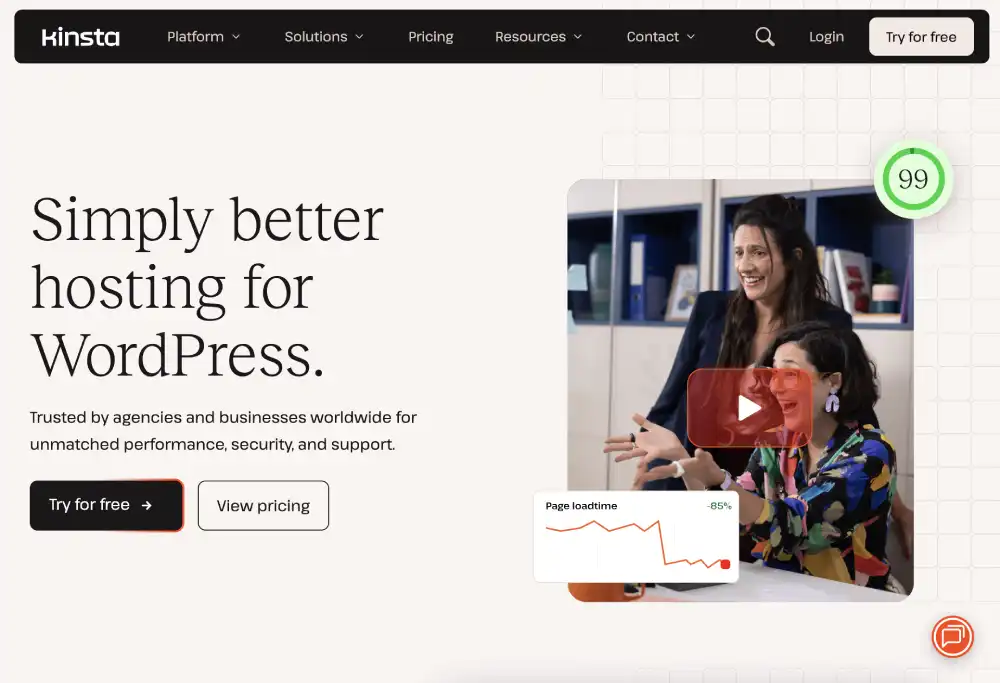
Kinsta lets you place the store in one of 30 data centers, near your buyers. Plans include staging, malware removal, and a built-in performance monitor.
In a short test, the Kinsta WP 2 account blocked all 114 malicious requests and scored 98 desktop and 100 mobile, but that covers only its first 3 days.
Limitation: Redis object caching costs $100 a site a month, which many stores will want. Extra visits cost $0.50 per 1,000, and Kinsta doesn’t offer email hosting.
That $100 Redis fee against Cloudways’ free Object Cache Pro is the biggest line item when you weigh Kinsta against Cloudways for a store.
4. Cloudways: best for object caching at a low price
Best for: store owners or agencies comfortable choosing a server size.
Skip it if: you’d only commit with a refund window, or you need root access to the server.
Cloudways includes Object Cache Pro free on servers with 2 GB and up. A 2 GB DigitalOcean server costs $24 a month, billed hourly with no contract.
Hourly billing means a bigger server for a sale week costs only the hours it runs. Check Cloudways’ resize rules before you plan to scale back down.
Limitation: no money-back guarantee or uptime SLA is listed, and email costs from $1.50 per mailbox. Cloudways says a hosting platform alone can’t make a store fully PCI-compliant.
The Cloudways server sizes and add-on costs matter more for a store than the base price. Daily backups and phone support are where SiteGround and Cloudways differ most.
5. ScalaHosting: best managed VPS for larger catalogs
Best for: stores with thousands of products, filters, or heavy plugins that need their own server with management included.
Skip it if: you need cPanel without extra cost.
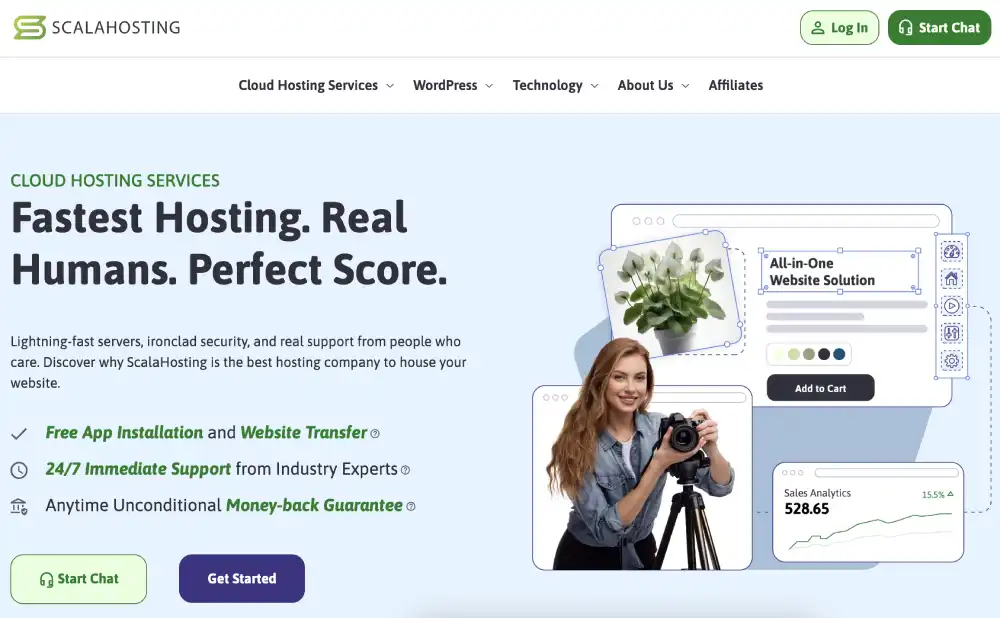
A big catalog on ScalaHosting’s managed cloud VPS gets a server of its own, with SPanel, email accounts, offsite backups, and a dedicated IP included.
Build #2 doubles Build #1 to 4 cores and 8 GB of RAM.
The refund terms are clear for new clients: cancel within 30 days for a full refund. Renewals and domains aren’t covered.
Limitation: both prices need a 36-month term: $29.95, then $54.95, for Build #1, and $44.95, then $96.95, for Build #2.
SPanel and the prorated refund rules are covered in the ScalaHosting managed VPS terms.
6. WordPress.com Commerce: best all-in-one hosted store
Best for: sellers who want WooCommerce without managing hosting, updates, or servers at all.
Skip it if: you need full server access or plugins WordPress.com doesn’t permit.
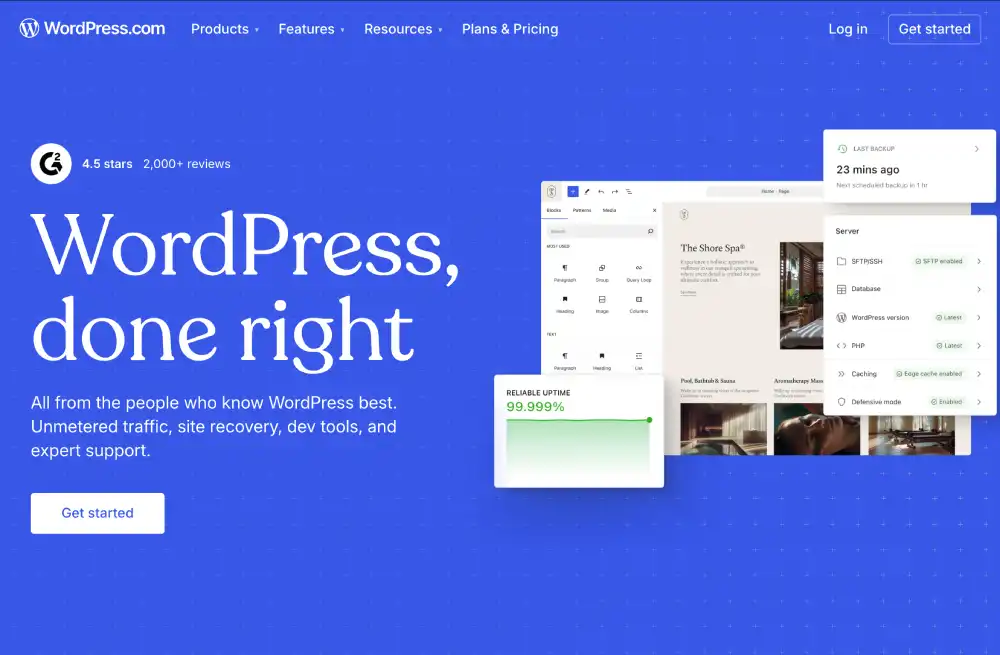
The Commerce plan costs $45 a month billed yearly, $36 on 24 months, or $70 billed monthly, with 50 GB of storage. Staging sites come with Business and Commerce.
Limitation: a few plugins aren’t permitted. Refunds last 14 days on yearly plans and 7 days on monthly ones.
The permitted-plugin list is the thing to check in the WordPress.com plan limits before you move a store with custom extensions.
Hosting a large WooCommerce catalog
Once a store has thousands of products, many variations, or heavy search and filter plugins, the database becomes the bottleneck. Here’s what we’d check.
- Object caching: it’s free on Cloudways servers from 2 GB and costs $100 a site a month at Kinsta.
- RAM for the database: 8 GB servers, like ScalaHosting Build #2 or Cloudways’ $88 DigitalOcean 8 GB server, give the database room.
- Backups before imports: take an on-demand backup before bulk product imports.
- Separate the database: splitting the WooCommerce database onto its own server can help once queries slow the whole store.
Fine print store owners should read
- Payment security: no host can make you PCI-compliant on its own. Pick a gateway that keeps card data off your server entirely.
- Backups and orders: restoring yesterday’s backup can erase today’s orders. Export orders or use hourly backups before a rollback.
- Renewals: ScalaHosting renews at about twice its intro price, Hostinger Cloud at about three times, and SiteGround GoGeek at up to about five and a half times.
- Refunds: Cloudways lists none, and WordPress.com gives 14 days on yearly plans.
Other WooCommerce hosts we considered
- Rocket.net: unmetered visitors from $30 a month and 30-day backups, useful for traffic spikes.
- Pressable: hourly database backups kept at least 30 days, which helps with order data, but overages cost $1.20 per 1,000 visits.
- Liquid Web: managed WooCommerce hosting, but per-plan prices weren’t shown in its page text when we checked.
Which WooCommerce host should you choose?
Store outgrowing shared hosting, lowest four-year cost? Hostinger Cloud Startup.
Small shop, want daily backups and phone help? SiteGround.
Revenue store, want it fully managed? Kinsta.
Want object caching without a big bill? Cloudways.
Thousands of products? ScalaHosting.
Don’t want to think about hosting at all? WordPress.com Commerce.
Sizing up your store? Compare Hostinger Cloud Startup’s current terms for a growing shop, or SiteGround’s store-ready plans if you’re just opening.
Frequently asked questions
What is WooCommerce hosting?
It’s hosting set up for WordPress stores, with enough resources for uncached cart and checkout pages. Some hosts add object caching, staging, and store-trained support.
Do I need special hosting for WooCommerce?
Not for a small shop with a few orders a day; a good shared plan works.
What server specs does a WooCommerce store need?
Start with WooCommerce’s minimums above, then size up by store traffic. For growing stores, CPU cores, RAM, and PHP workers decide checkout speed.
Can WooCommerce handle high traffic?
Yes, with the right server. Enough PHP workers, object caching, and a CDN let a store handle busy days. Test before a big sale, not during it.
How much does WooCommerce hosting cost?
A small shop can start on SiteGround GoGeek at $7.99 a month for 12 months, or a cheaper shared plan, before renewal.
Can I move my store to a new host?
Yes. Kinsta includes unlimited free migrations. Move during a quiet period, and pause orders briefly so none are lost between the old and new server.
What features should WooCommerce hosting have?
Enough CPU and PHP workers for uncached checkouts, object caching, daily or better backups, staging for safe updates, free SSL, and support that answers fast when orders fail.
How we compared WooCommerce hosting
We read each host’s pricing, backup, refund, and requirement pages between September 25 and 28, 2026, and checked every renewal against the first-term price.
First-hand numbers come from Hostinger Cloud Startup and Kinsta WP 2, both listed with receipts for the accounts we paid for. Kinsta’s data covers 3 days.
We didn’t run a WooCommerce load test, so we rank on published resources and terms, not checkout speed. The scoring rules are in how HostingGuider tests and ranks hosts.


