
Domain WHOIS Lookup
Check domain registration details instantly
Find domain registration details, ownership records, registrar information, name servers, registration dates, expiration dates, and WHOIS data instantly with our free Domain WHOIS Lookup tool.
Whether you want to check a domain owner, verify domain registration information, research a website, investigate an IP address, or compare alternatives to services like WHOIS.com, GoDaddy Domain Lookup, and ICANN Lookup, this tool provides fast and accurate WHOIS information in a clean, easy-to-read format.
What Is a WHOIS Lookup?
A WHOIS lookup is a way to check publicly available registration details for a domain name or IP address.
WHOIS databases store information related to:
- Domain owner details
- Registrar information
- Registration date
- Expiration date
- Name servers
- Domain status
- DNSSEC records
- Technical contact details
This information helps users identify who owns a domain, when it was registered, and which registrar manages it.
What Can You Do With This Tool?
Our WHOIS domain lookup tool can help you:
- Check domain ownership information
- Verify domain registration dates
- Find domain expiration dates
- View registrar information
- See the domain name servers
- Perform domain ownership lookup
- Research suspicious websites
- Check WHOIS info for domains
- Investigate IP WHOIS records
- Verify website legitimacy
It works for most major domain extensions, including:
- .com
- .net
- .org
- .io
- .co
- .ai
- .xyz
- and many more
How To Use The Domain WHOIS Lookup Tool
Using this WHOIS checker is quick and simple, even if you have never used a domain lookup tool before.
Step 1: Enter a Domain Name
Type the domain name you want to check into the search box.
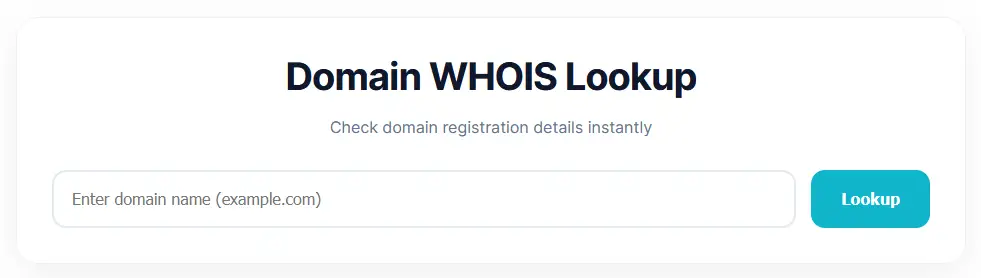
Examples:
- google.com
- openai.com
- github.com
- example.org
You only need to enter the domain itself. Do not include:
- https://
- http://
- /pages or URLs
Correct example:
example.comIncorrect example:
https://example.com/aboutStep 2: Click the “Lookup” Button
After entering the domain, click the Lookup button.
The tool will automatically connect to the WHOIS database and fetch the latest publicly available registration details for that domain.
Most lookups only take a few seconds.
Step 3: Review The WHOIS Information
Once the lookup is complete, you will see important domain registration details such as:
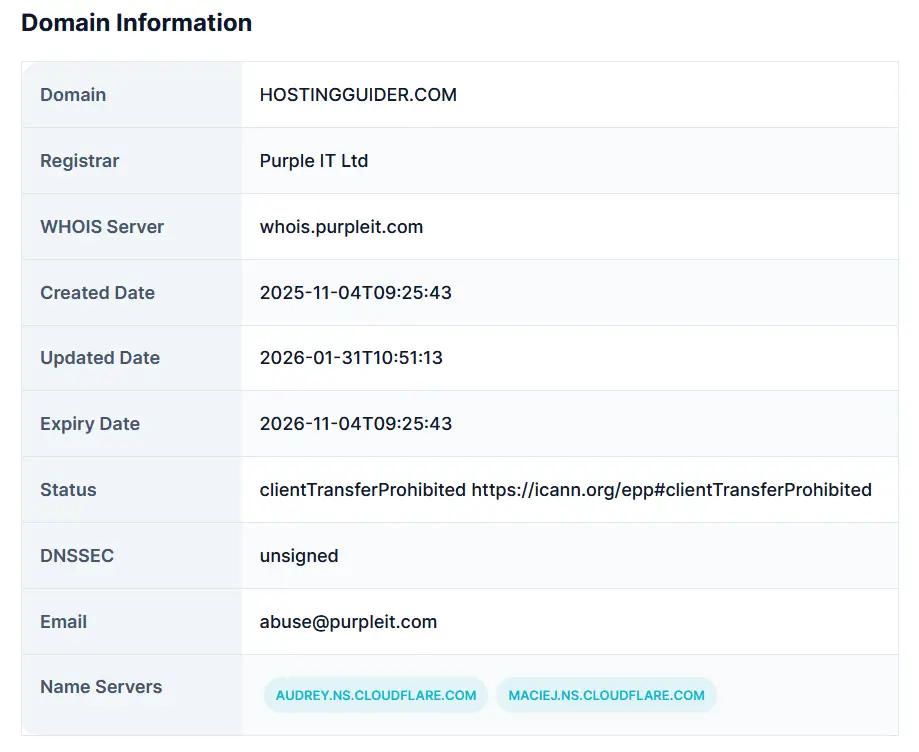
- Domain registrar
- Registration date
- Expiration date
- Updated date
- Name servers
- Domain status
- WHOIS server information
- DNSSEC status
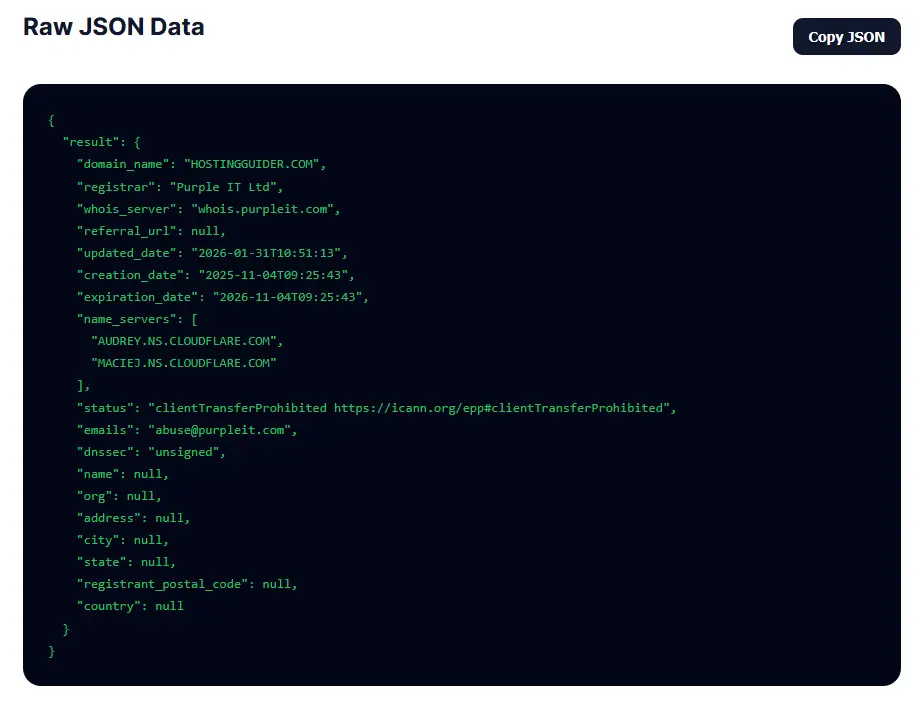
The tool also provides the raw WHOIS JSON data for advanced users, developers, researchers, and technical analysis.
Example searches:
- google.com
- github.com
- openai.com
- example.org
What Information Does The Tool Show?
Depending on the domain and privacy settings, the tool may display:
| Information | Description |
|---|---|
| Domain Name | Registered domain |
| Registrar | Company managing the domain |
| Creation Date | When the domain was registered |
| Expiration Date | When the domain expires |
| Updated Date | Last WHOIS update |
| WHOIS Server | WHOIS provider |
| Name Servers | DNS name servers |
| DNSSEC | DNS security status |
| Domain Status | Domain lock or transfer status |
Some domains use WHOIS privacy protection, so personal owner details may not always be publicly visible.
WHOIS Lookup vs Domain Lookup
People often search for terms like:
- WHOIS lookup
- Domain lookup
- WHOIS info lookup
- Domain ownership lookup
- Domain name ownership search
- Check a domain owner
- WHOIS IP lookup
- Who is this domain
- Whois for the domain
- Domain name ownership lookup tool
These terms generally refer to checking registration and ownership information for domains or IP addresses.
Best Alternatives To WHO.IS and GoDaddy Domain Lookup
If you are looking for alternatives to WHO.IS or GoDaddy WHOIS lookup, these services are also commonly used:
Each tool may provide slightly different WHOIS data depending on the registrar and registry source.
Why Domain Ownership Information Matters
Domain ownership lookup tools are useful for:
- Cybersecurity research
- Brand protection
- Website verification
- Domain investing
- Trademark monitoring
- Investigating phishing websites
- Checking domain expiration dates
- Technical troubleshooting
Businesses, developers, marketers, researchers, and security professionals frequently use WHOIS information during domain research.
Is WHOIS Information Always Public?
Not always.
Many domain owners use privacy protection services to hide personal details from public WHOIS databases. In those cases, some contact information may appear as:
- Redacted
- Private
- Hidden for privacy
- Proxy protected
This became more common after privacy regulations such as GDPR.
Frequently Asked Questions
Is this WHOIS lookup tool free?
Yes. You can use this domain WHOIS lookup tool for free.
Can I check domain ownership?
Yes. If ownership information is publicly available, the tool may show registrar and registrant details.
Can I perform a WHOIS lookup by IP?
Some WHOIS services support IP WHOIS lookup for IP ownership and network information.
Why are some owner details hidden?
Many domains use WHOIS privacy protection services or privacy regulations limit public visibility.
Does this tool support all domains?
It supports the most common domain extensions and WHOIS-enabled registries.
Final Thoughts
A WHOIS lookup tool is one of the easiest ways to check domain registration information, ownership details, registrar records, and domain status information.
Whether you are researching a website, checking a domain owner, or verifying a business website, this tool provides a fast and simple way to access WHOIS data online.