
Hostinger Unlimited is the best web hosting for multiple websites on a budget.
It allows unlimited sites with 50 GB of NVMe storage and daily backups, and 10 sites work out to $19.15 each over four years.
If you want every site on cPanel with yearly billing, Namecheap Stellar Plus is the runner-up, at about $29 per site over four years for 10 sites.
Here’s the catch most hosts don’t put on the sales page: “unlimited websites” doesn’t mean unlimited resources.
Every site on the plan shares the same storage, CPU, RAM, and backup limits.
That shared pool is the idea behind most entry-level hosting plans, and it matters more with each site you add.
The best hosting for multiple websites at a glance
- Hostinger Unlimited: lowest cost per site
- Namecheap Stellar Plus: best for cPanel and yearly billing
- Bluehost: best for a set number of small sites with staging
- HostArmada Web Warp: most stated CPU and RAM for many sites
- SiteGround GrowBig: best backups across many sites
- Cloudways: best for agencies that outgrow shared plans
What 10 websites cost over four years
| Plan | Sites allowed | Storage shared by all sites | Four-year total | Per site, 10 sites | Current plans |
|---|---|---|---|---|---|
| Hostinger Unlimited | Unlimited | 50 GB NVMe | $191.52 | $19.15 | See Hostinger plans |
| Bluehost Starter | 10 | 10 GB NVMe | $287.52 | $28.75 | See Bluehost plans |
| Namecheap Stellar Plus | Unlimited | Unmetered SSD | $292.08 | $29.21 | See Namecheap plans |
| HostArmada Web Warp | Unlimited | 30 GB NVMe | $315.84 | $31.58 | See HostArmada plans |
| SiteGround GrowBig | Unlimited | 50 GB | $1,019.52 | $101.95 | See SiteGround plans |
| Cloudways DigitalOcean 2 GB | No plan cap; limited by the server | 50 GB | $1,152 | $115.20 | See Cloudways plans |
Each total uses the cheapest published path to four years, renewing for one year where the first term is shorter.
We took the figures from provider pricing pages between September 25 and 28, 2026.
Look at the storage column before the price. Bluehost’s 10 GB is shared across all 10 sites, which is about 1 GB each.
What “unlimited websites” really means
A plan that allows unlimited sites still gives you one set of resources. Add a tenth site, and it shares the same pool as the first nine.
These are the limits that bite first when you host many sites:
- Storage: 30 to 50 GB split across every site, plus email and backups on some hosts.
- CPU and RAM: Namecheap’s published limits give Stellar Plus 2 GB of RAM and 30 entry processes for the whole account.
- Inodes: every file counts. SiteGround’s fair-use policy caps GrowBig at 400,000, and 10 WordPress installs use a lot of them.
- Backup eligibility: Namecheap’s weekly backups only cover accounts under 25 GB and 200,000 inodes.
- Visits: SiteGround sizes GrowBig for about 100,000 visits a month, total, not per site.
One busy site can slow down every other site on the plan. If one of your sites earns most of your money, consider giving it its own plan.
How we chose the best hosting for multiple websites
We compared plans from hosts HostingGuider reviews on what it costs, and what you risk, to run many sites on one account.
- Cost per site over four years, at 10 sites.
- Shared limits: storage, CPU, RAM, and inodes across all sites.
- Backups: whether they cover every site, and how long they’re kept.
- Management: control panel, staging, and how easy it is to add a domain.
- Our own accounts: we run Hostinger and Namecheap plans on our test site.
1. Hostinger Unlimited: lowest cost per site
Best for: anyone running several blogs, portfolios, or client sites on a budget.
Skip it if: you want cPanel to manage each site’s folder, or you can’t prepay four years for the whole group.

Unlimited costs $3.99 a month on a 48-month term, $191.52 in total, then $16.99 a month. It includes unlimited sites, 50 GB of NVMe storage, daily backups, and unlimited mailboxes.
That’s the lowest four-year total here, and its 50 GB ties SiteGround GrowBig for the most stated storage.
We run Hostinger shared hosting ourselves. Our Business account held 8 live sites before we added our test site as the ninth.
Even on that crowded Hostinger account, the test site scored 99 on PageSpeed on desktop and mobile.
Limitation: it uses Hostinger’s hPanel, not cPanel, and has no phone support. The four-year price needs the full prepay.
2. Namecheap Stellar Plus: best for cPanel and yearly billing
Best for: people who manage sites in cPanel and want to pay one year at a time.
Skip it if: several of your sites change every day, since a weekly restore point could lose days of work.
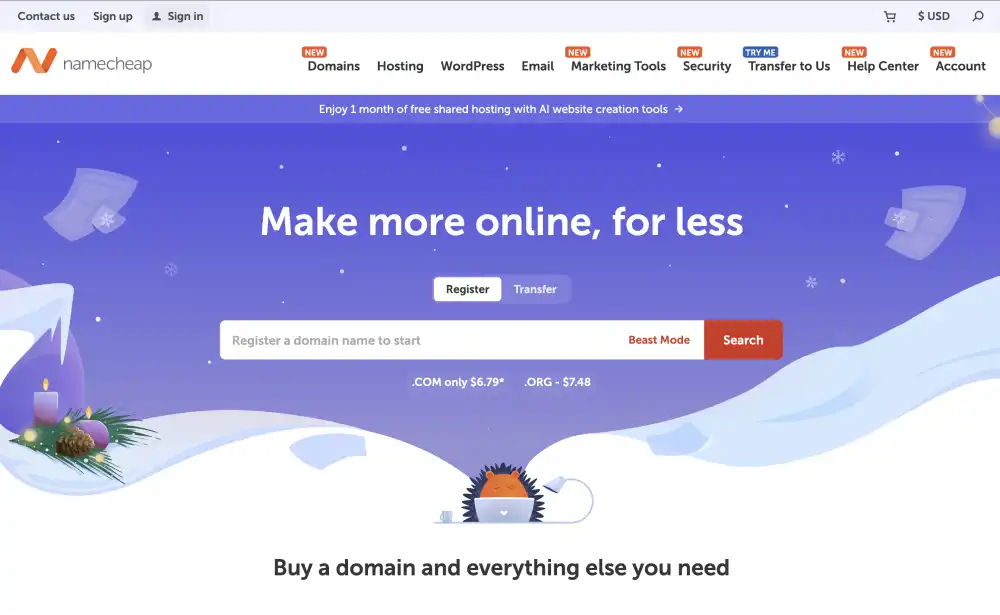
Stellar Plus puts no cap on sites or SSD storage. The first year costs $2.98 a month, billed yearly, after a 30-day trial, and renewal is $85.44 a year.
Its resource limits are published, which helps you plan: 2 GB of RAM and 30 entry processes for the whole account.
We run Stellar Plus ourselves on a US server. The Namecheap test site scored 99 on both devices, and support fixed an SSL problem in under 40 minutes.
With tracking on that account dating back only to August 2026, a single busy month could still change the picture.
Limitation: backups run weekly, and only for accounts under 25 GB and 200,000 inodes. With many sites, you may pass that and need your own backups.
3. Bluehost: best for a set number of small sites with staging
Best for: someone who knows they’ll run up to 10 small sites, or up to 50 on Business.
Skip it if: your sites store lots of images or files.
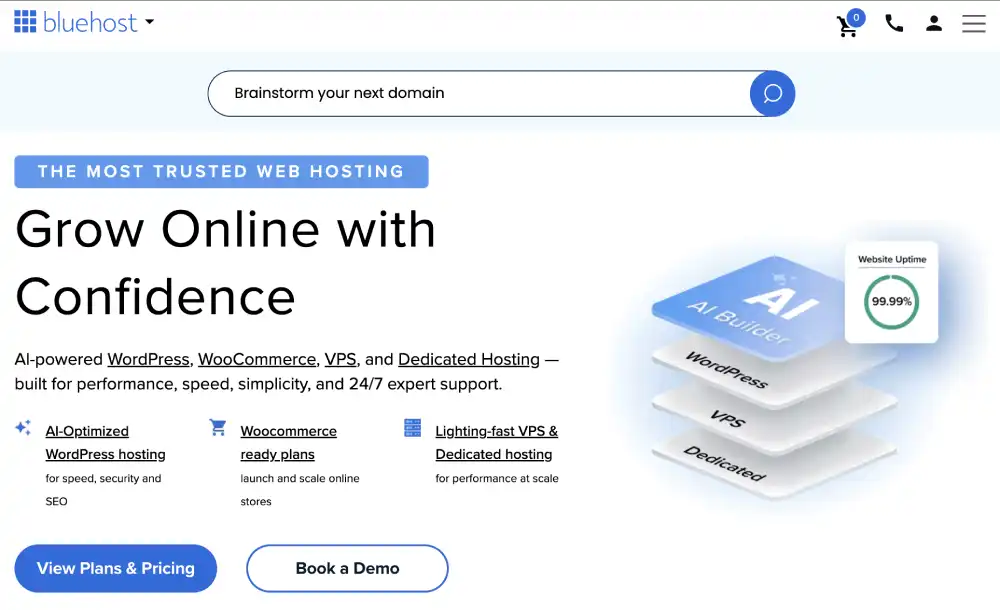
Bluehost Starter allows 10 websites with staging, and Business allows 50 with 50 GB and phone support. Starter costs $287.52 over four years.
Business costs $6.99 a month on 36 months, then $15.99 on a one-year renewal: $443.52 over four years for up to 50 sites.
That fixed site count is the main reason Bluehost suits owners who know their site total.
Limitation: Starter’s 10 GB is thin for 10 sites. Backups run weekly, and Bluehost doesn’t list CPU or RAM.
4. HostArmada Web Warp: most stated CPU and RAM for many sites
Best for: several active sites that need stated CPU and RAM on a shared plan.
Skip it if: you need a lot of storage.

Web Warp allows unlimited sites with 4 CPU cores and 4 GB of RAM, sized for about 60,000 visitors a month.
It keeps 14 daily backups and offers 24/7 phone support.
Those published cores are why HostArmada’s shared plans stand out on resources, though we haven’t run a site there ourselves.
Limitation: storage is 30 GB for every site combined. One Web Warp account costs $3.29 a month on 36 months, then $16.45.
5. SiteGround GrowBig: best backups across many sites
Best for: a small business or freelancer whose sites can’t lose a day of work.
Skip it if: cost per site is your main concern.
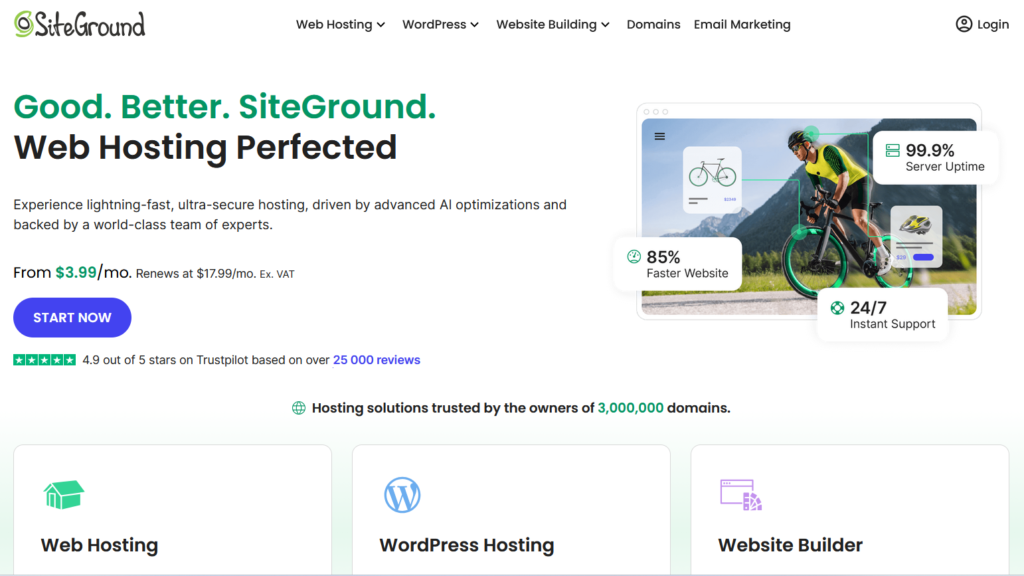
GrowBig allows unlimited sites with 50 GB, daily backups kept 30 days, on-demand backups, and staging. Support includes 24/7 phone, though SiteGround may route heavy troubleshooting elsewhere.
That 30-day history is what SiteGround charges a premium for, and it covers every site on the account.
Limitation: it’s the most expensive shared plan here at $101.95 per site over four years for 10 sites. Its 400,000-inode cap and 100,000-visit sizing are for the whole account.
6. Cloudways: best for agencies that outgrow shared plans
Best for: agencies or owners whose sites need more resources than a shared plan allows.
Skip it if: your sites are small and cheap shared hosting would do.

Cloudways has no site cap per server beyond its RAM, CPU, and storage. A 2 GB DigitalOcean server costs $24 a month, billed hourly, and includes Object Cache Pro.
You can resize the server as you add sites, and move a busy site to its own server later.
That flexibility is the core of Cloudways’ appeal for owners who size their own server.
Limitation: no root access, no money-back guarantee listed, and email costs from $1.50 per mailbox.
If the sites belong to clients, hosts built for agency client work add tools this pick lacks.
How to host multiple websites on one account
Most shared hosts use add-on domains: each site gets its own domain and folder under one account.
- Add the domain in your control panel. This creates a folder for the site’s files.
- Point the domain to your host. Update its nameservers or DNS records at your registrar.
- Turn on SSL for the new domain. Check that the host’s free SSL covers add-on domains.
- Install WordPress or upload the site.
- Set up email for the domain if you need it.
WordPress Multisite is a different option: one install running many sites. It suits networks of similar sites, but a problem in one install affects all of them.
Before choosing it, check when WordPress Multisite fits managed hosting, since some hosts don’t support it.
Other hosts we considered
- InterServer: unlimited storage and email with a steady $7 renewal, but it doesn’t state how many sites Standard allows.
- GreenGeeks: Pro allows unlimited sites with 50 GB and daily backups, but no CPU or RAM is stated.
- Kinsta: managed plans with a fixed site count, like 5 on Expand at $990 a year.
Which host should you choose for multiple websites?
Many small sites, lowest cost? Hostinger Unlimited.
Want cPanel and yearly bills? Namecheap Stellar Plus.
Up to 10 sites, or up to 50 with phone support? Bluehost.
Several active sites needing CPU and RAM? HostArmada Web Warp.
Business sites that need long backup history? SiteGround GrowBig.
Sites outgrowing shared hosting? Cloudways.
The top two picks differ mostly on control panel and billing term, which is where Hostinger and Namecheap split for multi-site owners.
For a fixed site count against long backups, weigh SiteGround’s backups against Bluehost’s site caps.
Count your sites first: then compare that number with the storage on Hostinger’s Unlimited plan or Namecheap’s Stellar Plus plan before you commit.
Frequently asked questions
How many websites can I host on one plan?
It depends on the plan. Hostinger Premium and Namecheap Stellar allow 3, Bluehost Starter 10, and Hostinger Unlimited, Namecheap Stellar Plus, and SiteGround GrowBig unlimited.
What happens if I go over “unlimited” limits?
The host may slow your sites, pause the account, or ask you to upgrade. Namecheap’s backups also stop covering accounts over 25 GB or 200,000 inodes.
Should I keep my domains and hosting separate?
It’s safer. Registering domains separately means a hosting problem or account suspension can’t hold up your domains, and moving hosts is simpler.
Can I manage email for all my domains in one account?
Usually, yes. Hostinger lists unlimited mailboxes on Unlimited, and SiteGround includes email on every shared plan. Ask how long the mailboxes stay free.
Is it better to put each site on its own plan?
Only for sites that earn most of your income or get heavy traffic. Separate plans stop one busy site from slowing the rest, but cost more.
Do I need a separate SSL certificate for each domain?
Each domain needs a certificate, and many hosts issue free ones automatically. Check that your plan’s free SSL covers add-on domains.
How we compared hosting for multiple websites
For each plan, we read the site cap, the resource and inode limits, and the backup rules, then divided the four-year cost by 10 sites.
Our first-hand data comes from Hostinger and Namecheap accounts, listed with order records for both accounts. We haven’t bought Bluehost, HostArmada, SiteGround, or Cloudways plans.
The scoring process behind every pick is the same across our reviews, and commissions don’t set the order.


