
Most hosting is designed for people who want to avoid thinking about infrastructure. Developers are the opposite. They want to see the server, control the stack, and understand exactly what is running under their application.
The providers on this list give you that access. Some are managed platforms with real developer tooling. Others are raw cloud providers where you provision a virtual machine and build everything yourself. All of them let you get close enough to the metal to actually understand what is happening.
What Developer-Focused Hosting Actually Requires
Root SSH access without exceptions. A provider that locks you out of the operating system is not developer hosting regardless of what the marketing says.
Multiple PHP versions switchable per project. Running PHP 8.2 on one project and PHP 7.4 on a legacy client site simultaneously should be trivial.
Custom Nginx or Apache configuration. Not just a preset you pick from a dropdown. Actual server block files you can edit.
Git-based deployment workflows. Pushing to main and having the server pull, build, and deploy is the expected workflow. SFTP uploads are not.
Staging environments that mirror production. One-click staging clone, isolated from production, with a push-to-live workflow.
SSH key-based authentication enforced. Password SSH is not acceptable on production infrastructure.
Fast provisioning. Spinning up a new environment should take minutes, not support tickets.
Quick Comparison
| Provider | Type | Root SSH | Custom Config | Git Deploy | GPU | Best For |
|---|---|---|---|---|---|---|
| DigitalOcean | Unmanaged Cloud | Yes | Full | Via CI/CD | GPU Droplets | Full server control |
| Hetzner | Unmanaged Cloud/Dedicated | Yes | Full | Via CI/CD | Dedicated GPU | Price/performance |
| Vultr | Unmanaged Cloud | Yes | Full | Via CI/CD | Cloud GPU | Global reach |
| Cloudways | Managed Cloud | SSH (limited) | Partial | Via add-on | No | Managed + control |
| Kinsta | Managed WordPress | SSH to containers | Limited | Git push | No | Managed with dev tools |
| ScalaHosting | Managed VPS | Yes | Full | Manual/SSH | No | Managed at lower cost |
| Hostinger | VPS | Yes | Full | Manual/SSH | No | Budget unmanaged VPS |
| Contabo | VPS/Dedicated | Yes | Full | Manual/SSH | No | Raw resource value |
1. DigitalOcean
Who it is for: Developers who want the cleanest cloud infrastructure experience, excellent documentation, and a large ecosystem of community tutorials and Marketplace integrations.
DigitalOcean’s Droplets are the benchmark for developer-friendly cloud VMs. The API is clean and well-documented. The CLI works predictably. The web console covers everything the API does. Infrastructure as code through Terraform works out of the box.
For WordPress development specifically, DigitalOcean’s Marketplace provides one-click images for LAMP, LEMP, and managed WordPress that give you a pre-configured starting point you can then modify completely. This is different from managed hosting: you get the starting configuration, but you own everything after that.
The App Platform offers a managed container environment for teams that want the benefits of deployment automation without running their own Kubernetes cluster. For WordPress, this is less relevant since WordPress is not container-native, but for custom PHP applications running alongside WordPress it is useful.
CPU-Optimised Droplets and GPU Droplets cover AI and compute-intensive workloads. The Spaces object storage product is S3-compatible and integrates cleanly with WP Offload Media for WordPress media management.
The developer documentation for DigitalOcean is genuinely excellent. Tutorials cover Nginx configuration, PHP-FPM pool tuning, Redis setup, and WordPress deployment with sufficient depth to be useful to experienced developers, not just beginners.
Plans start at: $6 per month (basic Droplet, 1GB RAM, 25GB NVMe)
2. Hetzner
Who it is for: Infrastructure engineers who prioritise compute-per-dollar above everything else, particularly for European-primary or multi-region projects.
Hetzner delivers the best price-to-performance of any provider on this list. Their Cloud VMs using AMD EPYC and Intel processors are significantly cheaper per CPU and RAM unit than DigitalOcean or Vultr.
Their dedicated server line, starting under 50 euros per month for a modern EPYC system, is cheaper than cloud VM equivalents at the same spec.
For developers managing multiple client projects, Hetzner’s pricing model changes the economics. Running 10 separate development environments simultaneously is feasible at Hetzner pricing where it would be costly elsewhere.
The Robot and Cloud interfaces are functional without being polished. The API is documented and complete. Terraform support exists. The developer experience is less refined than DigitalOcean but the resource economics often justify the trade-off.
Data centre locations are primarily in Germany and Finland, with US East Coast added more recently. Hetzner suits teams with European audiences or teams for whom latency to end users is handled by a CDN rather than server proximity.
The dedicated GPU server line (with NVIDIA RTX 4000 and A100 options) provides affordable GPU access for teams doing AI development alongside their web projects.
Plans start at: €3.29 per month (CX22, 2 vCPU, 4GB RAM)
3. Vultr
Who it is for: Developers who need global reach with 25+ data centre locations, or teams requiring high-frequency compute for performance-sensitive applications.
Vultr High Frequency Compute instances use Intel Xeon processors with higher clock speeds and NVMe SSD storage. For PHP applications, higher single-thread performance from faster clocks reduces execution time in ways that additional cores do not.
The Vultr Kubernetes Engine provides managed Kubernetes for teams building containerised applications alongside WordPress. The Marketplace offers pre-configured LAMP and LEMP stacks. Bare Metal servers provide single-tenant performance when VM neighbours are a concern.
The 25+ data centre locations make Vultr practical for multi-region deployments without a traffic-routing layer between cloud providers. Provisioning servers in Singapore, Frankfurt, and New York from the same account with the same API simplifies infrastructure that would require separate provider relationships elsewhere.
Vultr’s developer documentation is functional and covers the expected setup scenarios. The community is smaller than DigitalOcean’s but growing.
Plans start at: $6 per month (regular performance, 1GB RAM), High Frequency from $6 per month (1GB RAM, NVMe)
4. Cloudways
Who it is for: Developers who want managed infrastructure for client sites but need real server access and the ability to configure PHP, Nginx, and caching without running their own server management.
Cloudways sits between raw cloud VPS and fully managed WordPress hosting. You choose the underlying provider (DigitalOcean, Vultr, Linode, AWS, or GCP). Cloudways provisions and manages the server. You get SSH access and can modify many server-level settings through their dashboard without a support ticket.
PHP version switching per application is a dashboard operation. Memory limits and execution time limits are configurable. Staging environments clone with one click and support SSH. Git-based deployments are available through their Cloudways GitHub integration.
The limitation is that Cloudways manages the server-level Nginx configuration and does not expose raw server block files. Custom Nginx rules require adding them through the Cloudways extra Nginx configuration interface. This covers most use cases but blocks certain advanced configurations.
Cloudways is the right choice for developers who manage multiple client sites and want the operational overhead of server administration reduced without losing the technical access that distinguishes developer hosting from managed WordPress.
Plans start at: $14 per month (DigitalOcean 1GB RAM)
5. Kinsta
Who it is for: Developers working on WordPress specifically who need a fully managed platform with real developer tooling, including SSH container access, Git-based deployments, WP-CLI, and multiple staging environments.
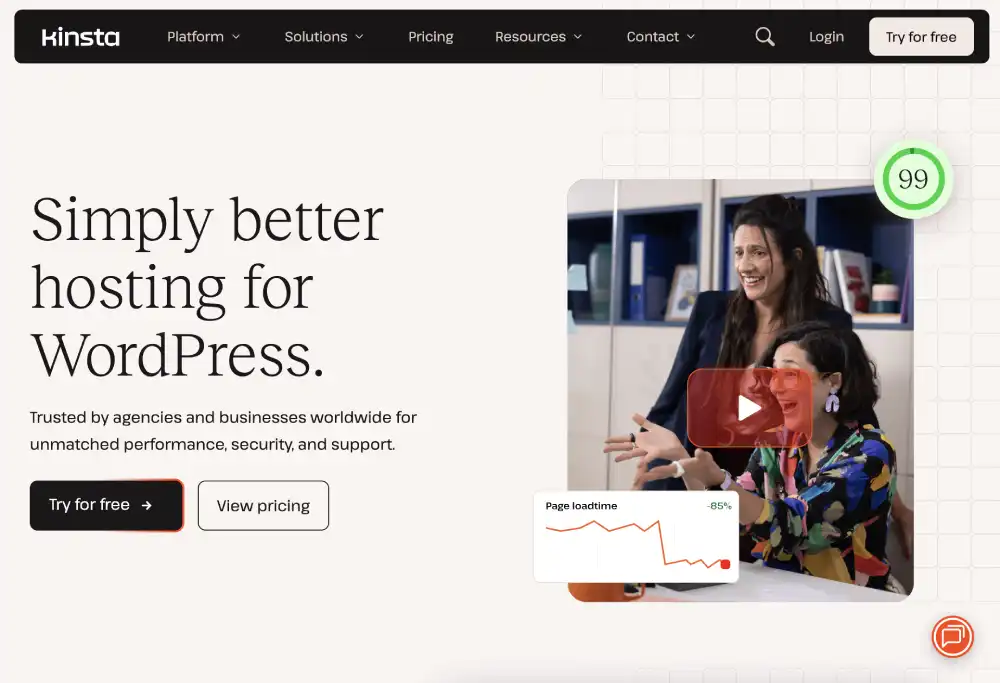
Kinsta’s SSH access connects to individual site containers rather than the underlying server. This is more limited than root server access but covers the majority of developer workflows: WP-CLI operations, custom PHP scripts, Composer, and debugging.
The MyKinsta dashboard exposes PHP version switching per environment (Kinsta supports PHP 7.4 through the latest PHP 8.x simultaneously on different sites). Premium staging environments are included on most plans. The GitHub deployment integration allows pushing code to a repository and having Kinsta pull and deploy automatically.
New Relic integration for performance monitoring, access to raw error logs, SFTP and SSH simultaneously, and a clean API for infrastructure management round out the developer experience.
The constraint is that Kinsta is WordPress-only and the platform controls the server stack beneath the container layer. For developers building custom PHP applications or needing to run non-WordPress services, Kinsta is not the right fit.
Plans start at: $35 per month (Starter, 1 WordPress site)
6. ScalaHosting
Who it is for: Developers who want managed VPS with full root SSH access and custom configuration capability at a lower price point than the premium managed providers.
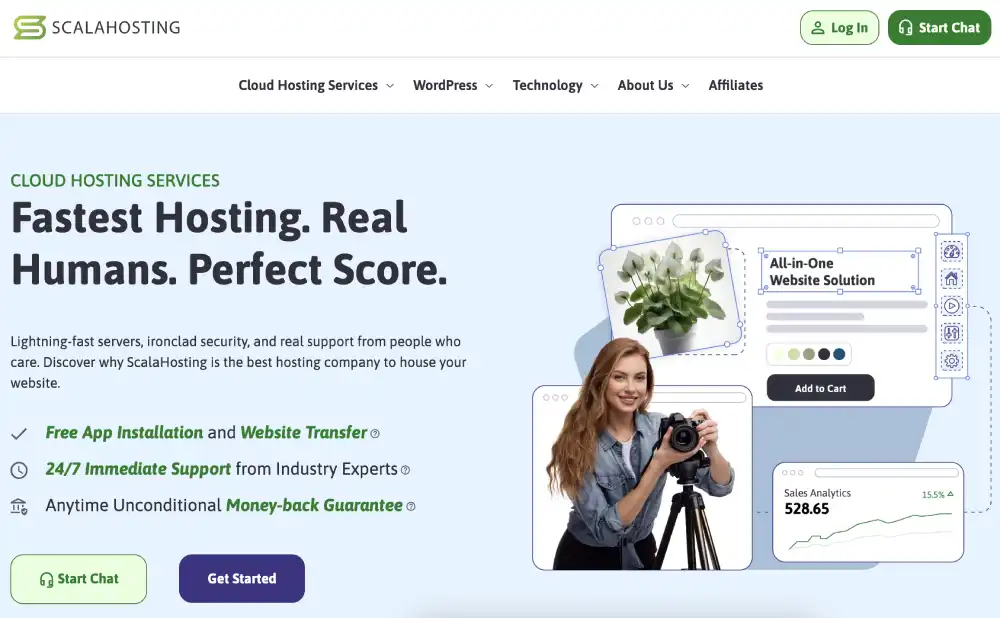
ScalaHosting’s managed VPS includes full root SSH access, SPanel control panel for site management, and configurable PHP settings per site. The server runs on NVMe SSD storage. Their SShield security monitoring runs at the server level.
The key difference from Cloudways: ScalaHosting managed VPS gives you actual access to Nginx configuration files and PHP-FPM pool settings. Custom Nginx server blocks, custom PHP extensions, and server-level configuration changes you cannot make through a dashboard are accessible because you have root access to the VM.
ScalaHosting suits developers managing multiple projects from one VPS, or developers who need the managed support safety net for server-level maintenance without giving up configuration control.
Plans start at: $30 per month (managed VPS, 2 CPU cores, 4GB RAM, NVMe SSD)
7. Hostinger VPS
Who it is for: Developers who want an affordable unmanaged VPS starting point with a clean initial setup and flexibility to build any stack.

Hostinger VPS provides root SSH access, your choice of operating system (Ubuntu, Debian, CentOS, and others), and full control over the server. Their setup time is fast. The pricing on entry-level VPS plans is competitive with DigitalOcean and Vultr.
The VPS plans are unmanaged. There is no server management dashboard, no one-click staging, and no managed support for server configuration. For developers comfortable with Linux server administration, this is the expected tradeoff: lower cost for less hand-holding.
Hostinger’s panel includes a VPS management interface with console access, OS reinstall, firewall rules, and basic monitoring. For more complex automation, the standard cloud provider API patterns apply.
Plans start at: $4.99 per month (VPS 1, 1 vCPU, 4GB RAM, 50GB NVMe)
8. Contabo
Who it is for: Developers who need the maximum raw resources per dollar and are comfortable with a provider that trades polish and ecosystem for sheer capacity.
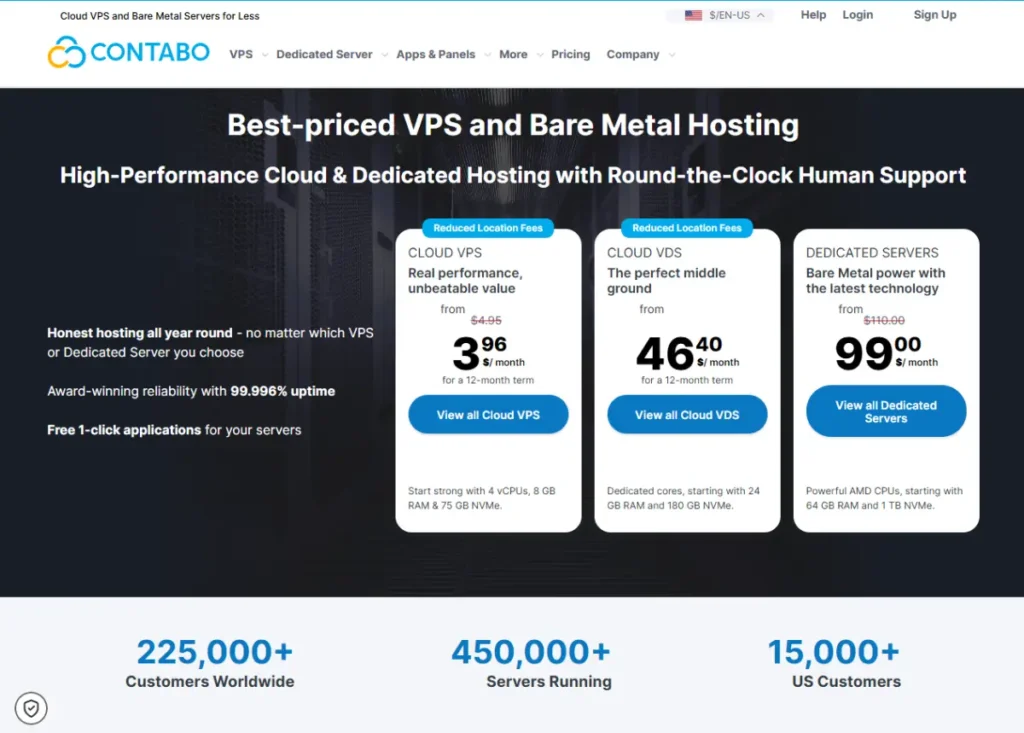
Contabo provides the highest resources per price of any VPS provider. A 4 vCPU, 8GB RAM, 100GB NVMe VPS costs a fraction of equivalent specs at DigitalOcean or Vultr. For development environments, test servers, or compute-heavy batch processing, this makes Contabo practical where other providers are wasteful.
The trade-offs are real. Contabo’s network and support do not match DigitalOcean’s level of polish. Their infrastructure is less developer-workflow-oriented. There is no Marketplace, no clean API for programmatic provisioning, and no managed add-ons.
For production customer-facing sites where reliability and tooling matter as much as cost, Contabo is not the first choice. For internal tools, development environments, batch processing servers, and any workload where raw resources outweigh ecosystem, Contabo is worth serious consideration.
Plans start at: €5.50 per month (VPS S, 4 vCPU, 8GB RAM, 100GB NVMe SSD)
Setting Up Staging Environments
Every serious developer workflow includes staging environments. The best approach depends on your provider choice.
For unmanaged VPS (DigitalOcean, Vultr, Hetzner, Hostinger, Contabo), provision separate server instances for staging. Use DNS subdomains (staging.yourdomain.com) and Nginx virtual hosts. Keep staging and production databases separate. For cost, snapshot the production instance and restore it to a smaller staging Droplet rather than maintaining a full-spec staging server continuously.
For managed providers (Cloudways, Kinsta, ScalaHosting), staging environments are either one-click (Kinsta, Cloudways) or configurable through the control panel.
For static site projects running alongside WordPress, separate considerations apply for deployment pipelines and preview environments. Those are covered in the static and Jamstack hosting guide.
Frequently Asked Questions
What is the difference between managed VPS and unmanaged cloud for developers?
Unmanaged cloud gives you a virtual machine and nothing else. You install the OS, configure the web server, set up PHP, manage security updates, and handle everything above the VM layer. Managed VPS includes some level of server-side support: security patches, monitoring, sometimes control panel software. The right choice depends on whether you want to manage server administration yourself or offload it. For teams with a dedicated DevOps engineer, unmanaged is typically more cost-effective. For solo developers managing multiple client sites, managed VPS reduces the maintenance overhead that eats into billable time.
Do I really need root SSH access?
For serious development work on server-side configuration, yes. Without root access you cannot modify PHP-FPM pool settings, change Nginx server blocks, install custom PHP extensions, configure Redis, or troubleshoot at the OS level. Providers that offer SSH to application containers (like Kinsta) rather than the server are useful for application-level debugging but cannot substitute for root access when the problem is server-level configuration.
Can I use these providers for non-WordPress PHP applications?
All the unmanaged providers (DigitalOcean, Hetzner, Vultr, Hostinger, Contabo) and Cloudways support any PHP application. ScalaHosting managed VPS also works for non-WordPress PHP. Kinsta and WP Engine are WordPress-only platforms and do not support arbitrary PHP applications.
How do I handle multiple client sites on one VPS?
Nginx virtual hosts allow running hundreds of separate sites on a single VPS, each with its own domain, SSL certificate, PHP-FPM pool, and log files. The practical limit is RAM (each PHP-FPM pool needs workers) and CPU (concurrent PHP execution consumes cores). A 4GB VPS running 10 moderately-trafficked WordPress sites with separate PHP pools is feasible. Running 50 sites on a 1GB VPS is not. ScalaHosting and Cloudways include management interfaces that handle multi-site VPS deployment more conveniently than raw Nginx configuration.


