
For a new blog that needs to stay cheap now and grow later, Hostinger is the host we’d start with.
Premium costs $143.52 for four years, covers three blogs, and has an upgrade path to cloud hosting in the same account when your traffic grows.
If you’d rather write than manage anything technical, WordPress.com is the simplest start at $4 a month billed yearly.
A blog’s hosting needs change with its traffic. So we matched each pick to a stage: a new blog, a growing one, and one that gets sudden traffic spikes.
If terms like shared hosting and CDN are new to you, start with the web hosting basics for first-time site owners.
The best blog hosting at a glance
- Hostinger: best for most new bloggers
- Namecheap: best for paying one year at a time
- WordPress.com: best if you don’t want to touch hosting
- SiteGround: best for bloggers who earn from their blog
- DreamPress: best managed blog hosting with email
- Rocket.net: best for blogs with viral traffic spikes
| Pick | Blog stage | Entry price | Renewal | What you get | Current plans |
|---|---|---|---|---|---|
| Hostinger Premium | New to growing | $2.99/mo on 48 months | $10.99/mo | 3 sites, weekly backups, CDN, free domain for a year | See Hostinger plans |
| Namecheap Stellar | New | $2.28/mo billed yearly, after a 30-day trial | $55.88 a year | 3 sites, 30 mailboxes, cPanel | See Namecheap plans |
| WordPress.com Personal | New, no-tech | $4/mo billed yearly | Not confirmed | Hosted WordPress, plugins allowed, free domain for a year | See WordPress.com plans |
| SiteGround StartUp | Earning | $2.99/mo for 12 months | $14.99 to $17.99/mo | Daily backups kept 30 days, phone support | See SiteGround plans |
| DreamPress 1 | Growing, managed | $14.99/mo for year one | $19.99/mo | About 40,000 visits, no overage charges, unlimited email | See DreamPress plans |
| Rocket.net Starter | Spiky traffic | $30/mo or $300/yr | Same | Unmetered visitors, 30-day backups | See Rocket.net plans |
Blog-stage prices come from each provider’s pricing page, read between September 25 and 28, 2026. Intro rates move often, so treat the renewal column as the number to budget around.
What a blog actually needs from hosting
Blogs are one of the easiest sites to host. Most posts look the same to every reader, so they can be cached and served quickly even on cheap plans.
What matters is a little different from other sites:
- Low cost while you build an audience. Most blogs take months to earn anything.
- A CDN and caching, so posts load fast for readers far from your server.
- Backups, because years of posts are hard to rebuild.
- A path to grow without a painful move when a post takes off.
- Your own domain, so your audience and search rankings belong to you.
How we chose the best hosting for bloggers
We matched hosts HostingGuider reviews to each stage of a blog’s life, using their official plan pages and our own accounts.
- Cost at the start and after renewal.
- Growth path: what happens when traffic grows or spikes.
- Backups and support.
- Our own data: we run our test site on Hostinger and Namecheap shared plans and on Hostinger Cloud Startup.
1. Hostinger: best for most new bloggers
Best for: new bloggers who want low cost now and room to grow later.
Skip it if: you won’t prepay four years to get the low price.

Premium costs $2.99 a month on a 48-month term, $143.52 in total, for three sites, weekly backups, a CDN, and a free domain for the first year.
The growth path is the reason it’s first.
When a blog outgrows shared hosting, Cloud Startup adds 4 CPU cores, 4 GB of RAM, and daily backups for $7.99 a month on 48 months, then $25.99.
We’ve used that step up for months on a Singapore server, and how a Cloud Startup plan handles a growing site shows what the extra cores buy.
Both of our Hostinger accounts scored 99 on PageSpeed and logged 100% uptime over 30 days, as the results from the Hostinger shared plan we paid for show.
Limitation: Premium keeps weekly backups only, and support is chat, with no phone line listed.
2. Namecheap: best for paying one year at a time
Best for: new bloggers who’d rather not pay four years upfront.
Skip it if: losing a week of drafts and comments would hurt, since backups aren’t daily.
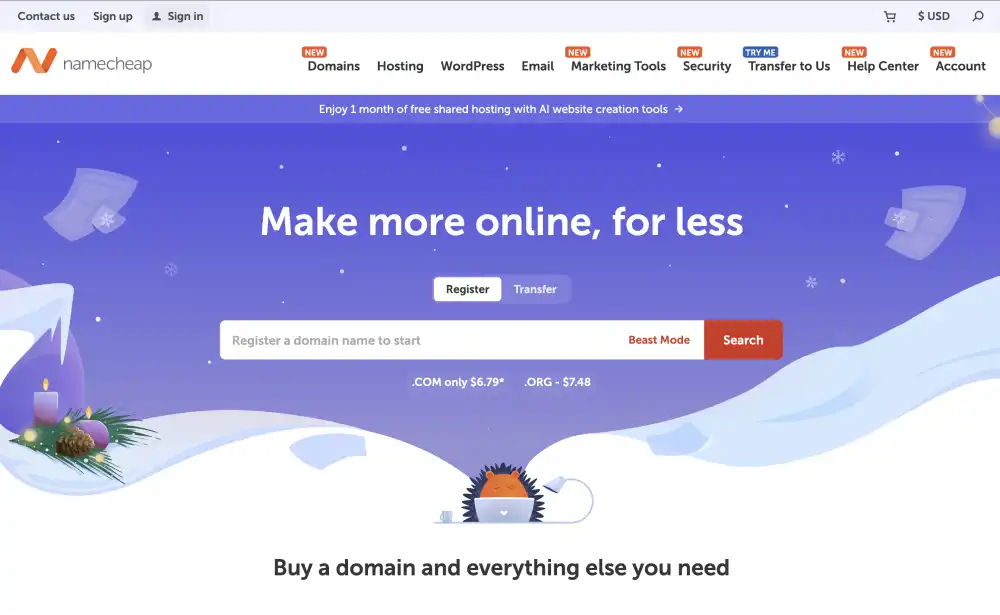
After a 30-day free trial, Stellar bills $2.28 a month for the first year and renews at $55.88 a year. It covers three sites and 30 mailboxes, with cPanel.
We run the Stellar Plus tier, one step up. There, Namecheap’s support fixed an SSL problem for us in under 40 minutes, and the test site scored 99 on PageSpeed.
We only started monitoring it in August 2026, so its uptime record is still short.
Limitation: if you take the free trial first, you give up the 30-day money-back guarantee, which covers only first-time customers who skip it.
3. WordPress.com: best if you don’t want to touch hosting
Best for: writers who want to publish, not manage servers or updates.
Skip it if: you want full control of files, or staging on a cheap plan.
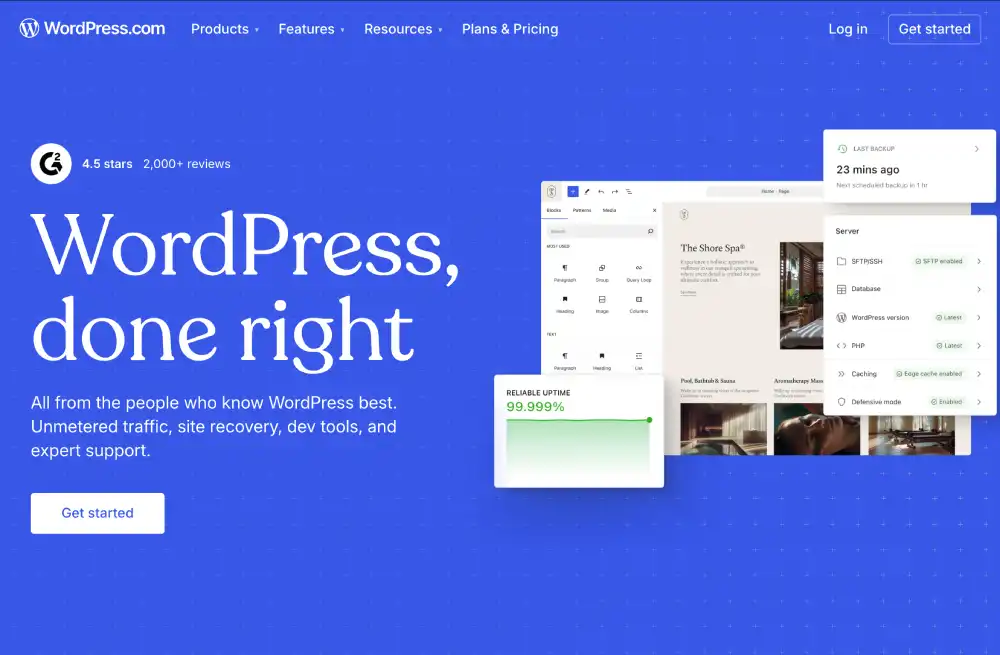
WordPress.com Personal costs $4 a month billed yearly, or $9 billed monthly.
It includes 6 GB of storage, a free domain for the first year, and plugins, with a few not permitted.
WordPress.com handles hosting, security, and updates. You write, and WordPress.com’s hosted plans for writers trade some control for that.
Limitation: a blogger who later wants a test copy of the site must move up to Business, at $25 a month billed yearly. Refunds last 14 days on yearly plans.
4. SiteGround: best for bloggers who earn from their blog
Best for: bloggers whose income depends on the site staying up and restorable.
Skip it if: you’re just starting and money is tight.

SiteGround keeps daily backups for 30 days on every plan and offers 24/7 phone support, though phone help may not cover heavy troubleshooting.
If a plugin update breaks your ad setup, you can roll back to any of the last 30 days. That safety net is what SiteGround charges more for.
Limitation: StartUp covers one site and about 10,000 visits a month. It costs $2.99 a month for 12 months, then $14.99 to $17.99.
5. DreamPress: best managed blog hosting with email
Best for: growing bloggers who want managed WordPress and email together, without overage bills.
Skip it if: your blog can’t yet justify paying for all of year one at checkout.
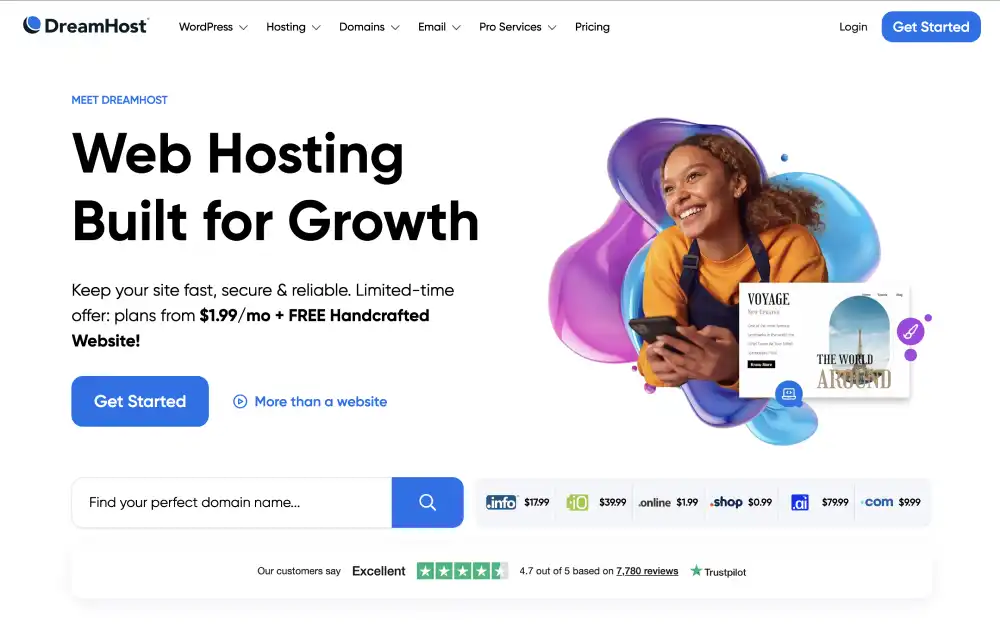
Year one of DreamPress 1 costs $14.99 a month, and it renews at $19.99. It’s sized for about 40,000 visits a month, with unlimited mailboxes and a free CDN.
DreamHost says it doesn’t charge overages for traffic, so a busy month won’t add a surprise bill. Unlimited email is rare at the price of DreamHost’s managed WordPress plans.
Limitation: smaller DreamPress plans keep backups for only 14 days.
6. Rocket.net: best for blogs with viral traffic spikes
Best for: established blogs where one post can bring 10 times the usual traffic overnight.
Skip it if: your blog is new or small.
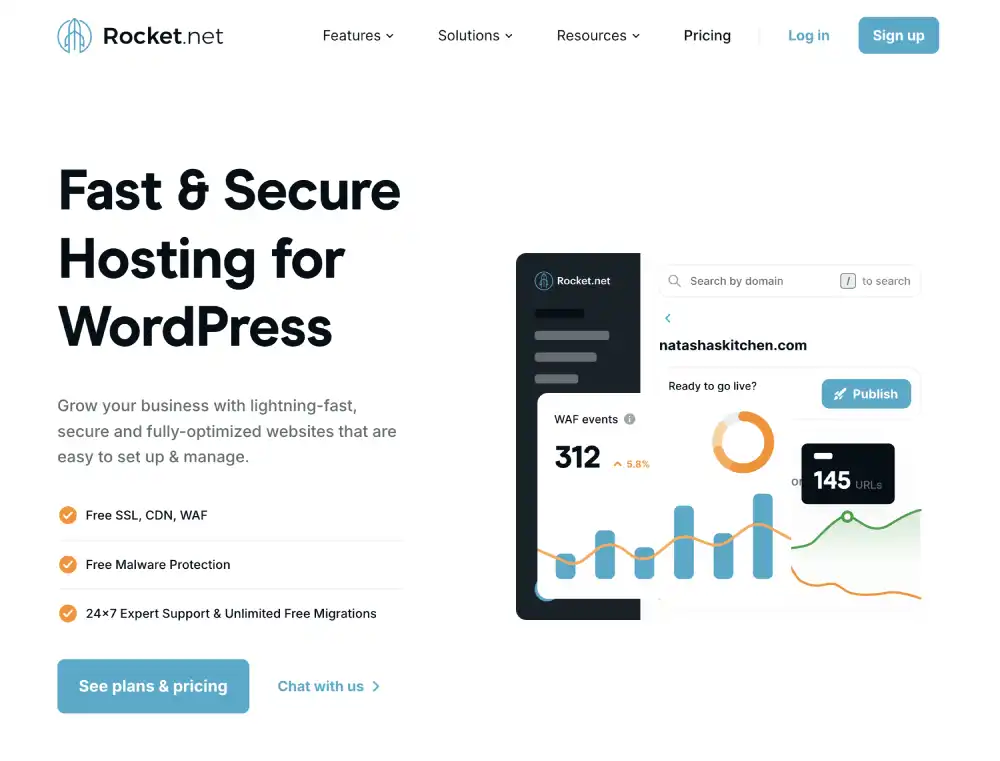
For $30 a month, or $300 a year, Rocket.net Starter doesn’t count visitors at all. A viral post doesn’t trigger a visit bill.
It keeps 30 days of backups and says it won’t raise prices at renewal. Unmetered visits are the core of Rocket.net’s pitch for traffic spikes.
Limitation: bandwidth is metered: 50 GB on Starter, then $0.08 per GB. Image-heavy blogs should compress images first.
Self-hosted WordPress vs blogging platforms
Self-hosted WordPress (Hostinger, Namecheap, SiteGround, DreamPress, Rocket.net) gives you full control of design, plugins, ads, and your data. You handle some upkeep.
Hosted platforms like WordPress.com handle everything, with fewer choices. Newsletter-first platforms work differently again.
If email subscribers matter more than a website, weigh Substack, Ghost, and WordPress for newsletter writers first.
Your blog’s growth path
Months 1 to 12: a shared plan like Hostinger Premium or Namecheap Stellar. Focus on writing, not servers.
When traffic is steady and the blog earns: add daily backups (SiteGround, or Hostinger Unlimited) or move to cloud hosting (Hostinger Cloud Startup).
When posts go viral: a host that doesn’t bill per visit, like Rocket.net or DreamPress.
Compress images and use a CDN at every stage.
The first two stages usually come down to how Hostinger and Namecheap differ on prepay length.
Once the blog earns, Hostinger and SiteGround split on backups and renewal cost.
Other hosts we considered
- Bluehost: Starter covers 10 sites for $287.52 over four years, useful if you run several blogs.
- Kinsta: strong for a high-revenue blog, but extra visits cost $0.50 per 1,000.
- InterServer: $2.50 for the first month, then $7 a month, for bloggers who want to pay monthly.
Which blog host should you choose?
First blog, lowest long-term cost? Hostinger Premium.
Pay yearly, keep costs low? Namecheap Stellar.
Don’t want anything technical? WordPress.com.
Blog is your income? SiteGround.
Growing, want email and no overages? DreamPress.
Posts that go viral? Rocket.net.
Pick your stage, then your plan: a first blog can start on Hostinger Premium, and a writer who wants zero upkeep can start on WordPress.com Personal.
Frequently asked questions
What is the best blog hosting for beginners?
Hostinger for most beginners, at $143.52 for four years on Premium. WordPress.com suits beginners who don’t want to manage any hosting at all.
How much does it cost to host a blog?
A new blog costs about $2 to $4 a month in its first term on shared hosting, plus a domain after the free first year.
What hosting is best for a high-traffic blog?
One that doesn’t bill per visit or gives you dedicated resources. Rocket.net doesn’t meter visitors, and Hostinger Cloud Startup gives 4 cores and 4 GB of RAM.
Is shared hosting good enough for a blog?
Yes, for most blogs. Posts cache well, so shared plans handle a lot of readers. Move up when your host warns about resource limits or the blog becomes your income.
Can I start a blog for free?
Yes, on free platform plans, but you usually can’t use your own domain or run ads freely. A paid plan from about $2 a month gives you both.
Can I move my blog to a new host later?
Yes. WordPress blogs move between hosts with a migration plugin or the new host’s free migration service. Keep your domain registered separately to make the move easier.
How we compared blog hosting
We placed each host at the blog stage its price, backups, and traffic rules suit best, then checked what it costs once the intro rate ends.
Our first-hand data comes from Hostinger shared, Hostinger Cloud Startup, and Namecheap Stellar Plus accounts.
They’re shown with receipts for the plans we paid for. We haven’t bought WordPress.com, SiteGround, DreamPress, or Rocket.net plans.
Each pick followed the scoring steps we apply to every host, and affiliate deals don’t move a host up the list.


