
Your business website holds customer data, payment details, and login credentials. That makes it a target. And if your hosting does not have the right security in place, you may not know there is a problem until the damage is done.
This guide covers the security features every business hosting plan should include, the threats you need to protect against, and what to look for before signing up with any provider.
Why Business Hosting Security Is Different
A personal blog getting hacked is inconvenient. A business website getting hacked is a crisis.
Customer trust is hard to rebuild after a breach. Regulatory fines for mishandling data can be significant. And the downtime that follows an attack costs real revenue.
Business hosting carries more responsibility than basic hosting. Your security setup needs to match that.
The Security Features Every Business Host Should Include
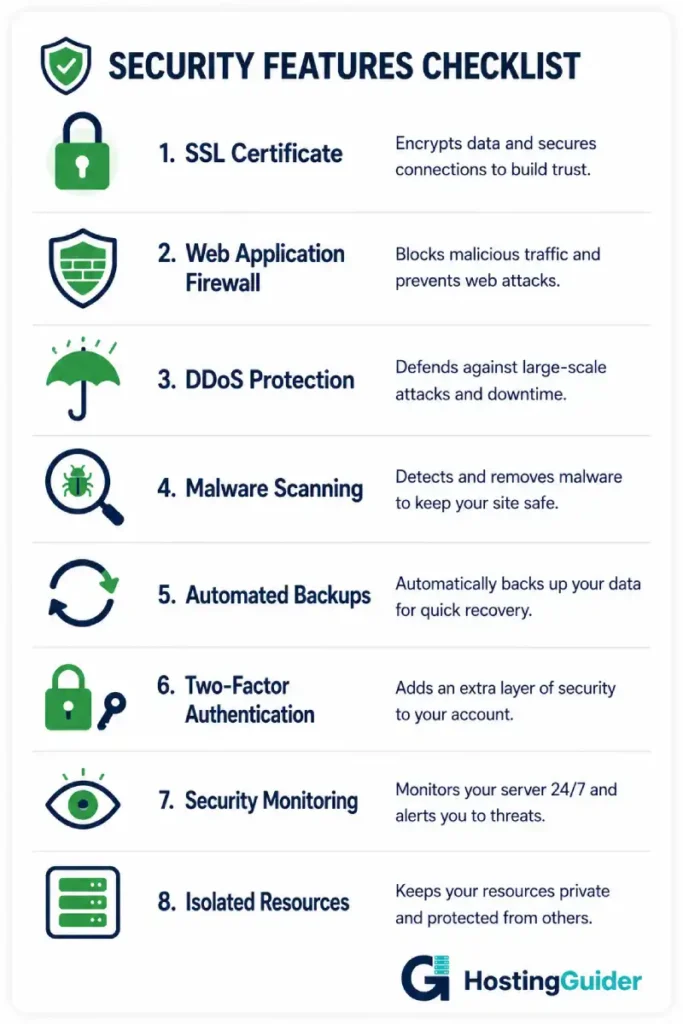
SSL Certificate
An SSL certificate encrypts data between your website and your visitors. Without it, any information submitted on your site, including passwords and payment details, is exposed.
Every major browser labels sites without SSL as “Not Secure.” That warning alone will cost you customers. Most reputable hosts include SSL free on all plans. Read more about what SSL does and why it matters.
Web Application Firewall (WAF)
A WAF filters incoming traffic and blocks malicious requests before they reach your site. It stops common attacks like SQL injection, cross-site scripting, and brute-force login attempts.
Think of it as a security guard at the door. It checks every visitor before letting them in. Our web hosting firewall guide explains what to look for in a provider’s firewall setup.
DDoS Protection
A DDoS attack floods your server with fake traffic until it crashes. For a business, that means going completely offline, sometimes for hours.
Good hosting includes always-on DDoS mitigation that detects and absorbs these attacks automatically. It should not be an add-on you pay extra for. Read how DDoS protection works in hosting.
Malware Scanning and Removal
Attackers sometimes inject code into website files to steal data silently. It can happen without any visible sign that anything is wrong.
Hosting that scans for malware automatically and removes it is a meaningful layer of protection. Look for providers that run daily scans, not just on-demand checks. Our hosting security tips guide covers this in more detail.
Automated Daily Backups
Backups are not glamorous, but they save businesses. A compromised site, a failed update, or a human error can wipe data in seconds.
Daily automated backups mean you can restore everything to a working state quickly. Before signing up with any host, check how far back backups go and how easy the restore process actually is.
Two-Factor Authentication
Two-factor authentication means that even if your password is stolen, an attacker still cannot access your hosting account. It is one of the simplest and most effective security measures available.
Your hosting control panel should support it as standard. Our guide on setting up two-factor authentication for your hosting account walks through the setup.
Isolated Resources
On shared hosting, one compromised account on the same server can affect others. Isolated resources, as found on VPS hosting and above, create a boundary between your environment and everyone else’s.
For a business, resource isolation is a baseline requirement, not an upgrade.
Common Security Threats Business Websites Face
Knowing what you are protecting against makes it easier to evaluate whether your hosting is doing enough.
| Threat | What It Does | How Good Hosting Defends Against It |
|---|---|---|
| Brute Force Attack | Repeatedly guesses passwords to gain access | WAF with login rate limiting, 2FA |
| DDoS Attack | Floods server with traffic to cause downtime | Always-on DDoS mitigation |
| SQL Injection | Injects malicious code into database queries | WAF filters malformed requests |
| Malware Injection | Embeds hidden code to steal data or redirect visitors | Automated malware scanning |
| Man-in-the-Middle | Intercepts data between visitor and server | SSL certificate encryption |
| Phishing via Email | Fakes your domain to trick customers | DMARC and secure email setup |
| Credential Theft | Steals login details to take over accounts | 2FA on all admin access points |
No hosting plan protects against every threat on its own. But it should cover the infrastructure-level threats in this list without you needing to add anything separately.
Security Across Different Hosting Types
Your hosting type affects how much security control you have. This is worth understanding before choosing a plan.
| Hosting Type | Security Level | Who Manages Security | Best For |
|---|---|---|---|
| Shared Hosting | Basic | Provider controls most of it | Low-stakes sites only |
| VPS Hosting | Good | Split between provider and you | Growing businesses |
| Cloud Hosting | Strong | Provider handles infrastructure | Businesses needing scale |
| Managed WordPress | Strong | Provider handles WP-specific security | WordPress businesses |
| Dedicated Server | Highest | You control everything | Compliance-heavy industries |
Shared hosting is the weakest option for security. One vulnerable site on the same server can create a risk for all accounts on it. If security matters to your business, move past shared hosting. Our types of web hosting guide explains the step-up options clearly.
For WordPress businesses, the server-level protections included in managed WordPress hosting handle a significant portion of security automatically. Read about what managed WordPress hosting does for security specifically.
What Compliance Means for Your Hosting Security
Some businesses have legal security obligations that go beyond standard best practice.
PCI DSS applies if you accept credit or debit card payments. It requires a secure environment for handling payment data. The full standard is published by the PCI Security Standards Council. Your hosting needs to support a PCI-compliant setup.
HIPAA applies if you handle patient health data in the United States. The US Department of Health and Human Services sets out the security requirements. This almost always requires dedicated or private cloud infrastructure.
GDPR applies if you collect data from users in the European Union. It does not prescribe specific hosting types, but it requires that data is stored securely and that breaches are reported within 72 hours.
If any of these apply to your business, confirm compliance support directly with any host before signing up. Vague answers are a red flag.
Questions to Ask Any Host About Security
Before committing to a plan, get clear answers to these.
- Is SSL included free on every plan?
- Is DDoS protection included or charged separately?
- How often does malware scanning run?
- Are backups stored on a separate server from the main one?
- Does the control panel support two-factor authentication?
- What happens if my site is compromised? What is the response process?
- Is the hosting environment PCI-compliant if I need it to be?
A provider that cannot answer these clearly is not ready for business use. Our complete guide to secure hosting features gives you a full framework for evaluating any provider’s security offering.
Red Flags to Watch Out For
Not every host that claims to be “secure” actually is. Watch for these warning signs.
- SSL is an add-on, not included
- DDoS protection is listed as a premium feature
- Backups are stored on the same server as your site
- No mention of a WAF anywhere in the plan details
- Support response times are measured in days, not hours
- No clear process is described for handling a security incident
If you spot any of these, keep looking. For a broader view of what poor hosting security looks like in practice, read our hosting security guide.
A Quick Security Checklist for Business Hosting
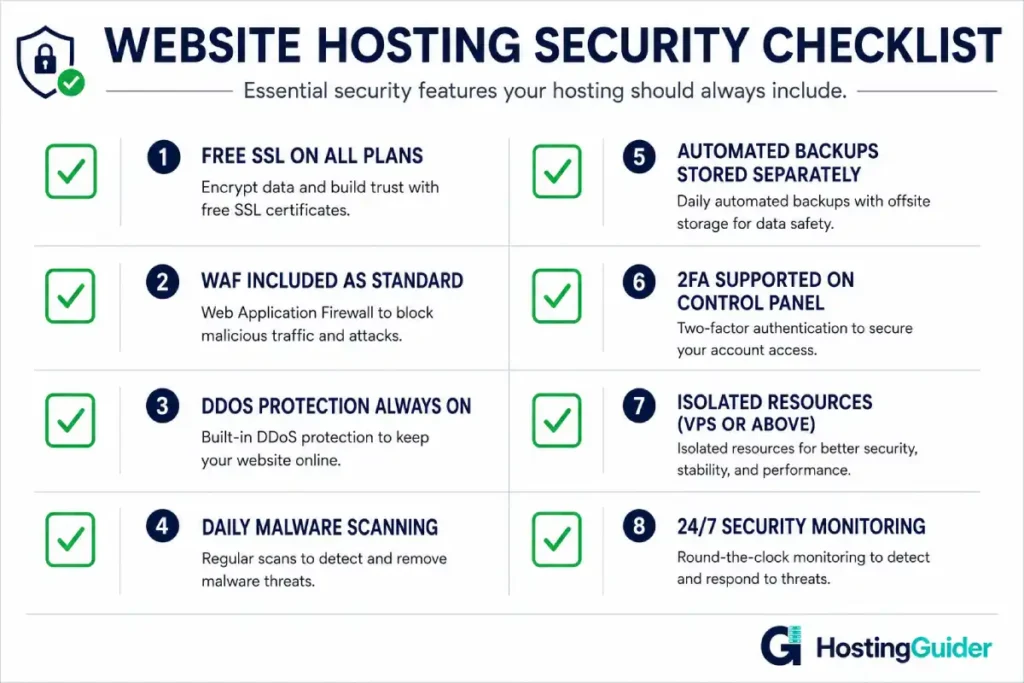
Use this before signing up with any business hosting provider.
- Free SSL certificate included on the plan
- Web application firewall active by default
- DDoS protection included, not an add-on
- Daily automated malware scanning
- Backups stored separately and easy to restore
- Two-factor authentication available on the control panel
- Resources isolated from other accounts (VPS or above)
- 24/7 monitoring with incident response process
If a plan ticks all eight, it is a serious option. If it is missing more than two, look elsewhere.
Final Thoughts
Security is not a feature you add later. It is a requirement from day one.
The right hosting plan covers the basics automatically: SSL, firewall, DDoS protection, malware scanning, and backups. Your job is to make sure 2FA is active on your account and that your team follows good login hygiene.
Get the foundation right and you spend your time running the business, not recovering from incidents. Browse our hosting reviews to see how the major providers compare on security across plan tiers.


